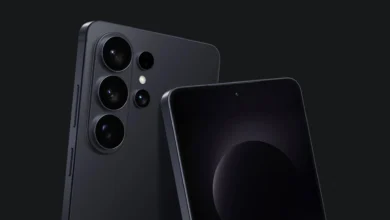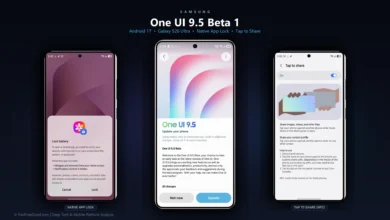
Samsung has officially deployed the One UI 9.5 Beta program, opening early public access to its next-generation software experience built on Google’s Android 17 operating system. In a substantial break from historical release cadences where Indian consumers waited weeks behind North American and European test flights, Samsung has activated the beta simultaneously across six primary global markets, with India included on Day 1.
The update arrives with a comprehensive suite of architectural refinements, highlighted by the debut of a system-level native App Lock, an overhauled single-screen camera dashboard, and upgraded personal wellness tracking tools within Samsung Health. Below is the complete operational guide to One UI 9.5 Beta features, hardware compatibility, and enrollment steps for Galaxy S26 owners in India.
One UI 9.5 Beta at a Glance: Key Firmware Specifications
| Firmware Parameter | Official Beta Specification |
|---|---|
| Underlying Operating System | Android 17 |
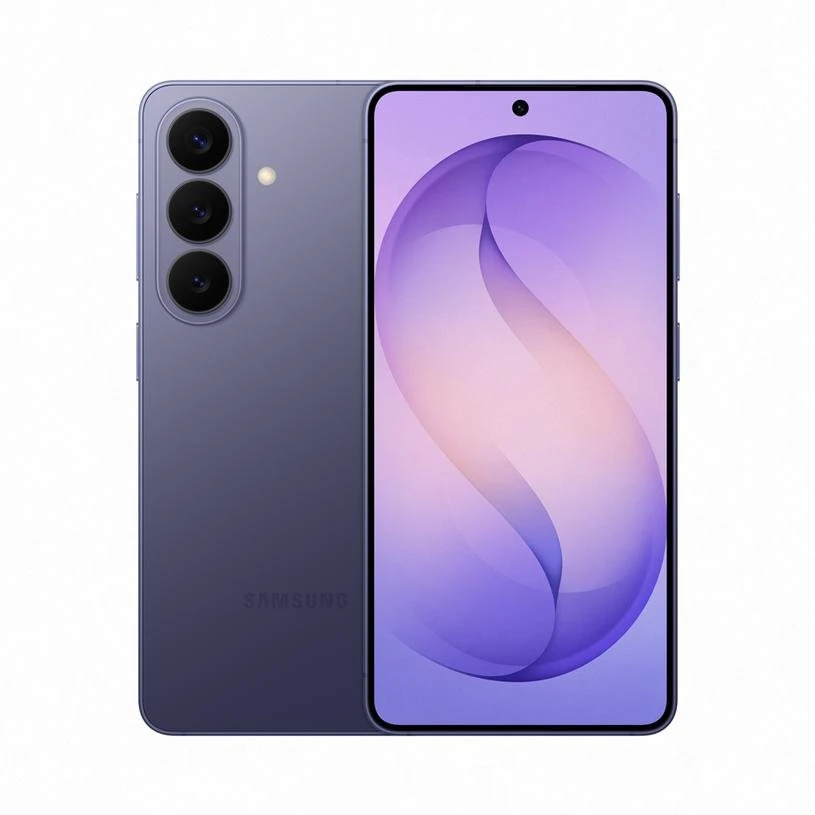
| Initial Eligible Hardware | Samsung Galaxy S26, Galaxy S26+, Galaxy S26 Ultra |
| Firmware Build Number | S948BXXU1ZXA1 (India / Global Exynos & Snapdragon variants) |
| OTA Package Download Size | Approximately 3.24GB to 3.41GB (varies by model) |
| Integrated Security Patch | November 2026 Security Maintenance Release |
| Active Rollout Regions | India, United States, United Kingdom, South Korea, Germany, Poland |
| Registration Channel | Official Samsung Members App (Samsung Account required) |
Built-In Native App Lock: Eliminating Secure Folder Reliance
The headline addition in One UI 9.5 addresses one of the longest-standing feature requests across the Galaxy community: a native, system-level App Lock. Historically, Galaxy users seeking to guard individual applications behind biometric gates were forced to rely on Secure Folder, which created isolated app duplicates rather than locking existing installations in place.
Under One UI 9.5, App Lock functions directly within the primary app drawer and home screen. Users can lock any third-party or system application using fingerprint recognition, facial scanning, or a secure PIN. Crucially, when an app is locked:
- Notification Content Suppression: Incoming message previews, sensitive alerts, and push badges remain fully redacted until the app is authenticated.
- Widget Privacy Shields: Associated home screen widgets switch to an obscured blur state, preventing data leaks at a glance.
- Recents Menu Blurring: The app’s window preview is scrambled within the multitasking carousel, preventing bystanders from viewing private sessions.
This implementation matches modern privacy standards seen across rival interfaces, detailed in our recent report on latest smartphone OS rankings comparing ColorOS and HyperOS privacy layers.
Single-Screen Camera Interface and Creator Controls
Samsung has completely re-engineered the default Camera application to minimize menu friction. In One UI 9.5, essential capture parameters that previously required diving into secondary settings drawers have been consolidated into a single primary screen:
- Integrated Zoom Sliders: Seamless optical focal length toggles now integrate smooth tactile slide bars directly adjacent to the shutter button.
- Unified Resolution Presets: Quick-switching between 12MP binned captures, 50MP, and full 200MP sensor modes is accessible with a single tap from the main viewfinder.
- Enhanced Pro and Pro Video Presets: Professional creators receive dedicated custom profile slots to store ISO, shutter timing, manual focus peaking levels, and white balance curves.
Samsung Health Additions: Mindful Note and Medications Tracking
The One UI 9.5 update also deepens personal wellness integration via upgraded Samsung Health capabilities:
- Mindful Note: A dedicated cognitive wellness journaling module enabling users to record daily emotional states, personal reflections, and guided mental recovery exercises.
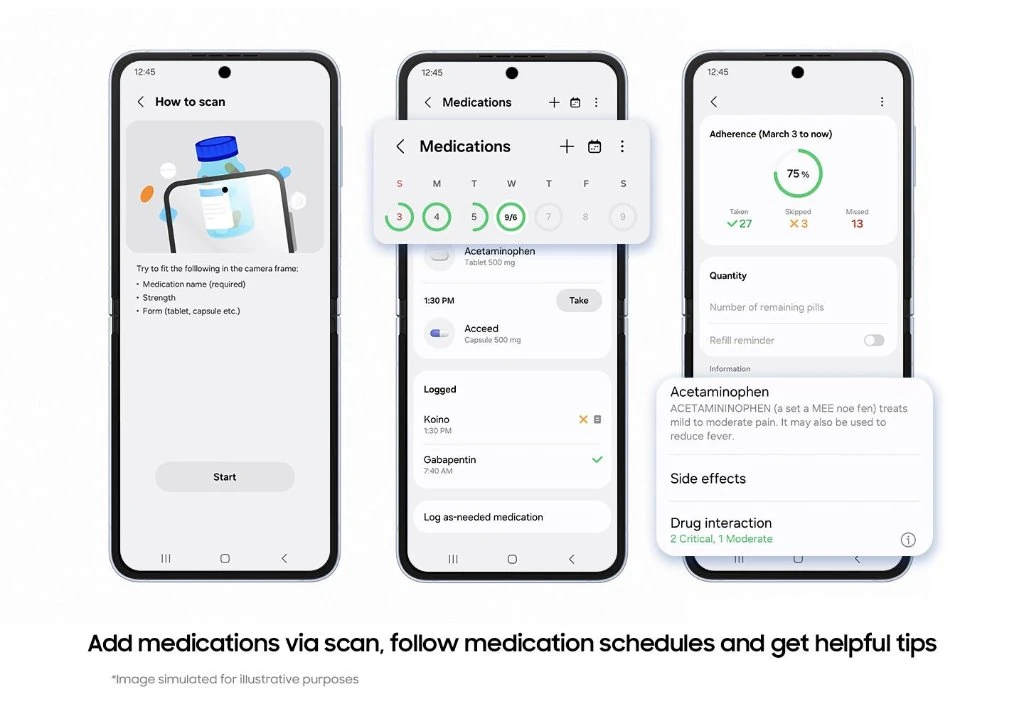
- Medications Adherence Tracker: Users can catalog daily prescriptions, nutritional supplements, and vitamins, complete with shape and color iconography, scheduled dosage alerts, and missed-intake reminders.
- Floating Accessibility Shortcuts: A customizable floating button provides rapid toggling of screen magnification, contrast adjustments, and direct audio routing for hearing aids directly from the notification panel.
- Aesthetic Window Dynamics: Live Effect wallpapers and refined Gaussian blur shaders enhance multitasking window transitions across Android 17.
Eligible Devices and Multi-Phase Rollout Schedule
The One UI 9.5 Beta follows a phased rollout model, prioritizing Samsung’s latest flagship tier before expanding outward:
| Rollout Phase | Target Samsung Devices | Testing Window |
|---|---|---|
| Phase 1 (Live Now) | Galaxy S26, Galaxy S26+, Galaxy S26 Ultra | Late November 2026 |
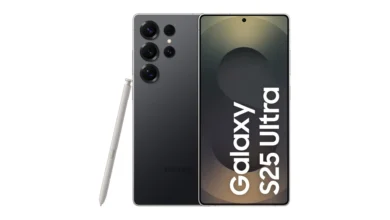
| Phase 2 (Upcoming) | Galaxy Z Fold7, Galaxy Z Flip7, Galaxy S25 Series | Mid-December 2026 |
| Phase 3 (Subsequent) | Galaxy S24 Series, Galaxy A57 5G, Galaxy Tab S11 Series | January 2027 |
| Stable Release | Global Galaxy S26 Fleet First, followed by Foldables | Q1 2027 Official Rollout |
Samsung’s swift beta deployment aligns with competitive pressure across the industry, mirrored by our comprehensive breakdown of Motorola Android 17 eligible phones and stable rollout dates.
How to Install One UI 9.5 Beta via Samsung Members
If you own an unlocked Galaxy S26, Galaxy S26+, or Galaxy S26 Ultra in India, follow these steps to secure beta access:
- Open Samsung Members: Launch the official Samsung Members application on your device and ensure you are logged into your primary Samsung Account.
- Locate the Beta Notice: In the top promotional banner slider or inside the Notices bell menu, tap on the Registration for One UI Beta Program (Galaxy S26 Series) card.
- Enroll Your Device: Review the beta participant terms and tap Enroll / Join. A confirmation toast will indicate your Samsung Account has been registered with the test flight.
- Check for Software Updates: Navigate to your phone’s
Settings > Software update > Download and install. - Download OTA Package: Allow your phone to fetch the ~3.3GB update package over high-speed Wi-Fi, then select Install Now. Ensure your device maintains at least 50% battery before commencing.
Crucial Pre-Installation Safety Advisory: As with any initial preview build, One UI 9.5 Beta may exhibit intermittent battery drain, temporary thermal spikes, or app incompatibilities with un-updated banking software. It is strongly advised to execute a full system backup via Samsung Smart Switch on a PC or Mac prior to installing.
PFD Context: Inside Samsung’s Strategic Indian Beta Push
Granting India Day 1 access to the One UI 9.5 Beta underscores Samsung’s strategic defense of its premium market share in the subcontinent. With competing flagships providing accelerated Android 17 updates as explored in our best smartphones across price segments buying guide, delivering immediate software parity rewards Indian power users and ensures polished software stability ahead of the global stable commercial rollout in early 2027.
Stay Ahead in the Tech World
Join our community for breaking news, exclusive gadgets coverage & direct admin support.