










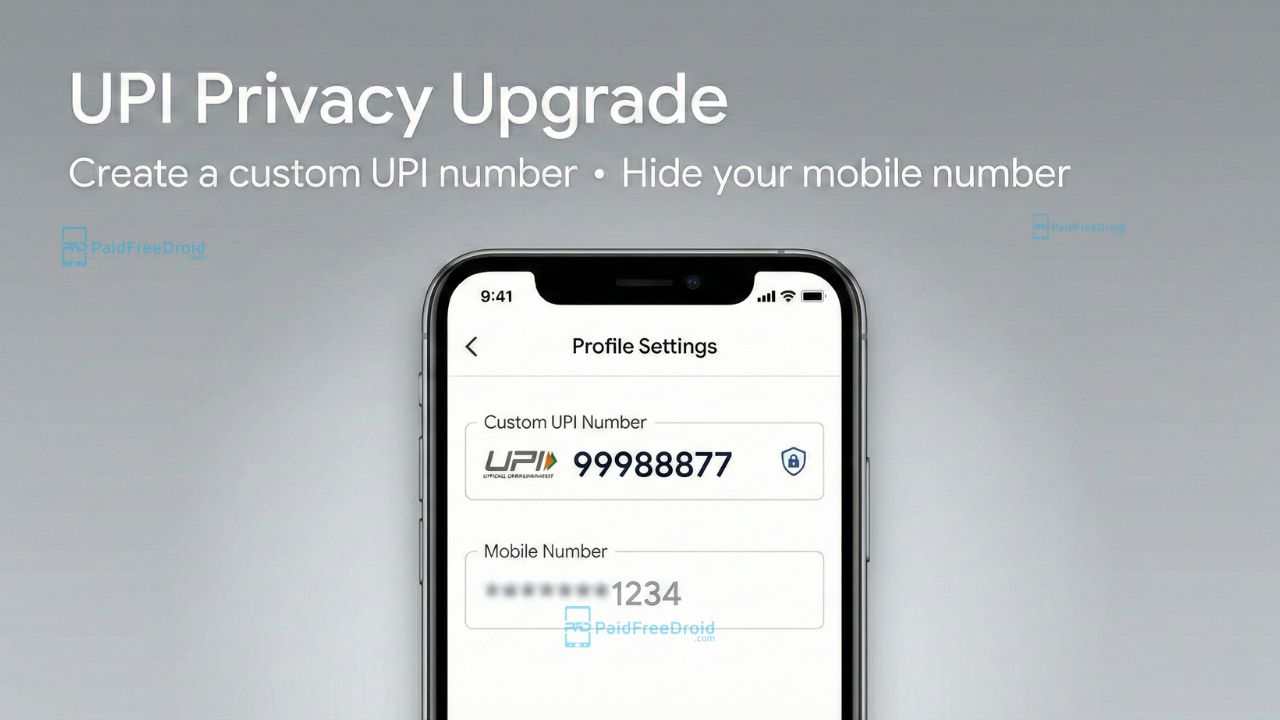
In India’s rapidly evolving digital payment landscape, privacy has often taken a backseat to convenience. For years, millions of users have inadvertently shared their personal mobile numbers with shopkeepers, cab drivers, and strangers simply by sharing their UPI IDs. However, a significant privacy upgrade by the National Payments Corporation of India (NPCI) is changing the game. You can now create a Custom UPI Number, a unique 8-to-10 digit numeric code, that lets you receive money without ever revealing your actual phone number.
What is the “UPI Number” Upgrade?
Most users confuse a UPI ID (e.g., name@okicici) with a UPI Number.
- Previously: Your “UPI Number” was synonymous with your 10-digit mobile number. If you wanted someone to pay you via GPay or PhonePe, you gave them your phone number.
- The Upgrade: NPCI now allows you to decouple your identity from your mobile number. You can generate a random or custom 8–10 digit number (e.g., 12345678) that acts exactly like a phone number for payments but keeps your real contact details private.
Why This Matters for Your Privacy
- Stop Spam & Harassment: When you pay at a local store or receive money from a stranger, they no longer get your phone number to harass you on WhatsApp or spam you with calls.
- Cross-App Interoperability: Unlike a VPA (like name@paytm) which might confuse some users, a numeric UPI Number works universally. A PhonePe user can type your custom number and pay you instantly, even if you are on Google Pay.
- Feature Phone Friendly: This numeric system bridges the gap for feature phone users (UPI 123PAY), making digital inclusion safer.

How to Set Your Custom UPI Number (Step-by-Step)
Setting up your privacy-focused number takes less than a minute. Here is how to do it on India’s most popular payment apps.
1. Google Pay (GPay)
Google Pay has streamlined this process to ensure your primary number stays hidden.
- Step 1: Open the app and tap your Profile Picture (top right).
- Step 2: Select Bank Account and tap the account you wish to protect.
- Step 3: Tap on Manage UPI Numbers.
- Step 4: You will see your mobile number listed. Look for the option to “Set up a new UPI Number”.
- Step 5: Enter your desired 8-9 digit numeric ID and confirm.
2. PhonePe
PhonePe offers a dedicated section for managing these numeric IDs.
- Step 1: Tap your Profile Picture (top left).
- Step 2: Under the “Payment Settings” section, tap UPI Settings.
- Step 3: Select UPI Number.
- Step 4: Tap “Add New” or “Manage”.
- Step 5: Choose a custom 8-10 digit number (e.g., your birthdate + lucky number) and verify availability.
3. Paytm
Paytm allows you to create a private numeric ID that masks your wallet or bank-linked mobile number.
- Step 1: Open the app and tap your Profile Picture.
- Step 2: Navigate to UPI & Payment Settings.
- Step 3: Tap on UPI Number.
- Step 4: Select “Create a Private UPI Number”.
- Step 5: Enter your unique numeric code and save.
4. BHIM (Official App)
As the government-backed app, BHIM often receives these updates first.
- Step 1: Open BHIM and tap your Profile Picture.
- Step 2: Go to Your QR or Manage UPI ID.
- Step 3: Select Manage UPI Number.
- Step 4: Click Create New to generate a static numeric ID distinct from your SIM number.
Important Rules & Limitations
While creating your custom ID is simple, the NPCI has enforced strict formatting rules to prevent fraud and ensuring a wide variety of available numbers. Your custom UPI Number will not be accepted if it violates the following constraints:
- Length Constraint: The custom number must be strictly 8 to 10 digits long (some only allow upto 9).
- No Leading Zero: The number cannot start with ‘0’.
- No Repetitive Patterns: You cannot use a number where all digits are the same (e.g., 22222222 is invalid).
- Ending Restrictions: The number must not end with the same three digits (e.g., 12345555 is invalid).
- No Sequential Orders: You cannot use strictly ascending or descending sequences (e.g., 12345678 or 98765432 are forbidden).
Pro Tip: Try combining random non-sequential numbers, like a mix of birth dates or lucky numbers (e.g., 84029173), to ensure your Custom UPI Number is accepted instantly.
- Uniqueness: Just like a username, if someone else has already claimed a specific number (e.g., 99999999), you cannot take it.
- No “Gold” Numbers: You cannot create easy repetitive sequences like 11111111 or 12345678 in some apps to prevent fraud.
- Portability: Once created, this UPI Number becomes your permanent digital identity. You can port it from Paytm to PhonePe if you switch your primary app, ensuring you don’t have to share a new number with friends.
The introduction of the custom UPI Number is more than just a convenience feature; it is a critical firewall for your personal data. By taking two minutes to set up a custom 8-10 digit code today, you ensure that your financial transactions remain seamless while your personal mobile number remains private. Don’t wait for a privacy breach. Open your UPI app and set your custom number now.
Tags: Create Custom UPI Number, NPCI Privacy Update, Hide Mobile Number UPI, UPI Number vs UPI ID, Google Pay Privacy Settings, PhonePe Custom Number, Digital Payment Security 2026, UPI 123PAY, Secure UPI Payments.
Visit our website daily for latest tech news. Follow Us on Instagram for awesome tech stuff. Also, Join our Telegram Group and connect directly with Admin.