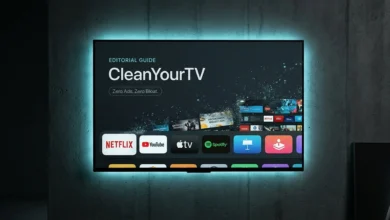
The open-source Android TV optimization project CleanYourTV has officially released version 3.5.0, delivering an extensive overhaul to its minimalist launcher interface, home screen responsiveness, and device compatibility. Built to strip intrusive sponsored recommendations, autoplay video ads, and manufacturer bloatware from Android TV and Google TV hardware, version 3.5.0 introduces eight new visual themes, slashes home screen memory consumption by nearly 45 percent, and expands hardware compatibility to 472 television models across 129 global brands.
Key Highlights of the CleanYourTV 3.5.0 Update
- 45% RAM Usage Reduction: Home screen memory consumption drops from 210MB down to 114MB after eight internal architectural optimizations, dramatically reducing launcher reloads on budget streaming sticks.
- 8 New Themes (29 Total): Introduces new visual styles including Istanbul, Twilight, Diwali, Ambient Glass, and Glass Gallery, alongside dynamic wallpapers that automatically adapt based on local time of day.
- Expanded Hardware Matrix: Adds verified support for 30 additional TV models and 12 new brands, bringing the total supported database to 472 television models across 129 manufacturers.
- New System Add-ons: Integrates a dedicated Files Card for rapid file manager access, an enhanced Sleep Timer with weekly scheduling, and two new screensavers: Neon Dream and animated Koi Pond.
- Robust Configuration Safeguards: Implements atomic settings restoration and write-failure fallback mechanisms to ensure existing configuration files remain protected during unexpected interruptions.
- Source-Build Requirement: To prevent malicious APK repackaging and maintain device-tailored configurations, version 3.5.0 requires building the launcher via the project repository installation script.
CleanYourTV 3.5.0 vs v3.0: Architecture and Feature Comparison
| System Parameter | CleanYourTV v3.0 (Previous Release) | CleanYourTV v3.5.0 (Latest Update) |
|---|---|---|
| Home Screen Memory Overhead | Approximately 210MB RAM footprint | 114MB RAM (45% reduction via 8 layout optimizations) |
| Available Visual Themes | 21 themes | 29 themes (added Istanbul, Twilight, Diwali, Ambient Glass, Glass Gallery) |
| Wallpaper Engine | Static manual selection | Dynamic circadian wallpapers that shift by time of day |
| Hardware Coverage | 442 TV models across 117 brands | 472 TV models across 129 brands (+30 models, +12 brands) |
| Core Utilities & Add-ons | Basic app drawer and stock screensavers | Files Card, weekly recurring Sleep Timer, Neon Dream, Koi Pond |
| Settings Reliability | Standard configuration overwrite | Atomic settings restoration with IO write-failure rollback |
| Navigation & Audio Response | Standard D-pad focus handlers | Refined volume level handling and low-latency navigation controls |
| Language Localizations | Standard English and core European languages | Added Spanish, French, Hebrew, and Uzbek translations |
| Distribution Method | Repository build script | Automated source build and installation script (No pre-built APKs) |
Performance Upgrades: Slashing Home Screen RAM to 114MB
The primary engineering achievement of CleanYourTV 3.5.0 centers on resource optimization. Stock Google TV and Android TV home screens often consume between 400MB and 700MB of RAM due to background video decoders, continuous ad telemetry, and recommendation carousels. On streaming hardware equipped with only 1.5GB or 2GB of RAM, such as the Chromecast with Google TV or Xiaomi Mi TV Stick, heavy launcher overhead causes frequent background app evictions, stuttering video playback, and sluggish navigation.
In version 3.5.0, developers implemented eight structural refinements to memory allocation, view recycling, and icon caching. These adjustments reduced home screen memory consumption from 210MB to 114MB. The resulting headroom ensures that navigation between third-party streaming apps remains fluid, while volume adjustments and D-pad input latency are handled instantaneously.
Themes and Design: Glassmorphic UI and Circadian Wallpapers
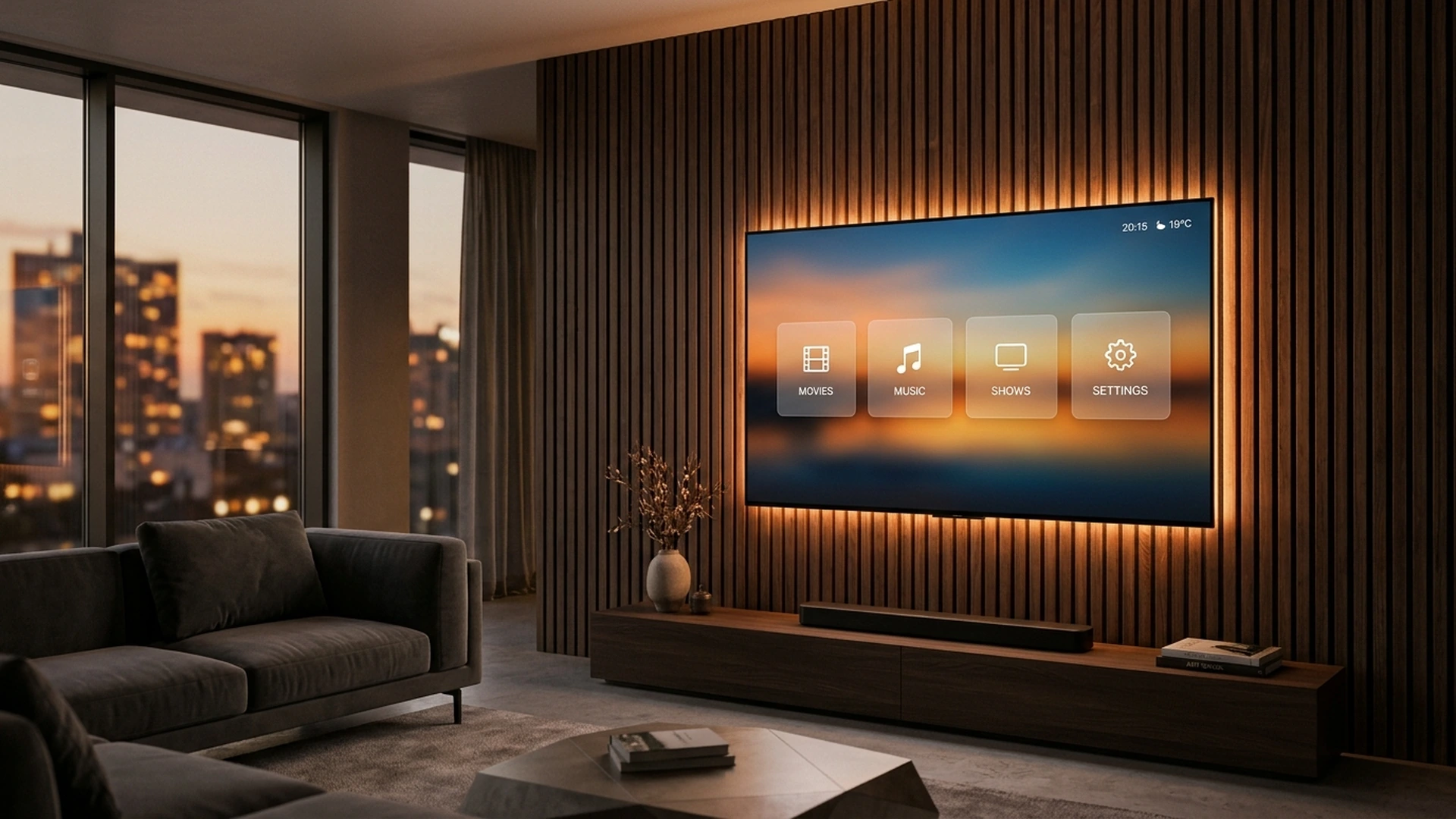
CleanYourTV 3.5.0 expands its visual customization options with eight new themes, bringing the total library to 29. The headline additions include Ambient Glass, which applies a modern frosted glass aesthetic to app cards, and Glass Gallery, designed for users who prefer showcasing custom backdrop photography behind clean application rows.
Complementing the new styles is a circadian wallpaper engine. Rather than remaining static throughout the day, compatible backgrounds automatically shift their color palette and lighting based on the TV’s system clock, transitioning smoothly from bright daytime visuals to warm, low-contrast amber tones in the evening.
For users seeking to refresh their existing installations without losing custom layout preferences, our detailed walkthrough in the CleanYourTV setup guide to remove Android TV bloatware explains how to pair the launcher over local Wi-Fi without requiring a laptop or rooting the television. Similar low-level operating system optimizations have gained widespread traction across mobile ecosystems, as seen in the custom management suites documented in the OnePlus ColorOS 17 system update.
Hardware and Security Architecture
Community contributions have expanded CleanYourTV’s verified hardware matrix to 472 television models across 129 brands. The database now includes broader coverage for regional Smart TV manufacturers alongside established brands like Sony, TCL, Hisense, Xiaomi, Philips, and premium displays like the LG QNED evo Mini LED 4K TV series.
On the reliability front, version 3.5.0 reinforces configuration security. An atomic settings restoration routine creates backup checkpoints before writing new layout rules. If a write operation is interrupted by a power surge or network drop, the existing files remain intact, preventing corrupted launcher states. The release also broadens global accessibility with new localization files for Spanish, French, Hebrew, and Uzbek.
How to Update CleanYourTV to Version 3.5.0
Existing CleanYourTV users can upgrade to version 3.5.0 while preserving their current theme choices and app configurations. To maintain code integrity and prevent malicious third-party repackaging, the development team does not provide pre-compiled binary APK files on release pages. Instead, updates must be pulled directly from the official GitHub repository and installed via the included automated build script.
- Pull Repository Updates: Fetch the latest commit history from the official CleanYourTV repository on your host machine or local ADB environment.
- Run the Build Script: Execute the automated build script, which compiles the launcher binaries directly from source code and synchronizes required assets.
- Preserve User Profiles: The installer detects existing version 3.x configuration files, automatically porting over custom app rows, hidden packages, and theme preferences.
PFD Context: Open-Source Software Reclaims the Smart TV Screen
CleanYourTV 3.5.0 reflects a growing consumer pushback against the ad-saturated state of modern television operating systems. When users purchase premium smart TVs, they increasingly find their home screens dominated by unskippable trailer previews, sponsored retail banners, and vendor bloatware that consumes vital hardware resources.
By slashing launcher memory usage to a lean 114MB and providing 29 ad-free themes, CleanYourTV proves that consumer television hardware does not need to be bogged down by aggressive ad monetization. For smart TV owners tired of clutter, open-source projects offer a dependable path to reclaiming a fast, private, and distraction-free viewing experience.
Stay Ahead in the Tech World
Join our community for breaking news, exclusive gadgets coverage & direct admin support.