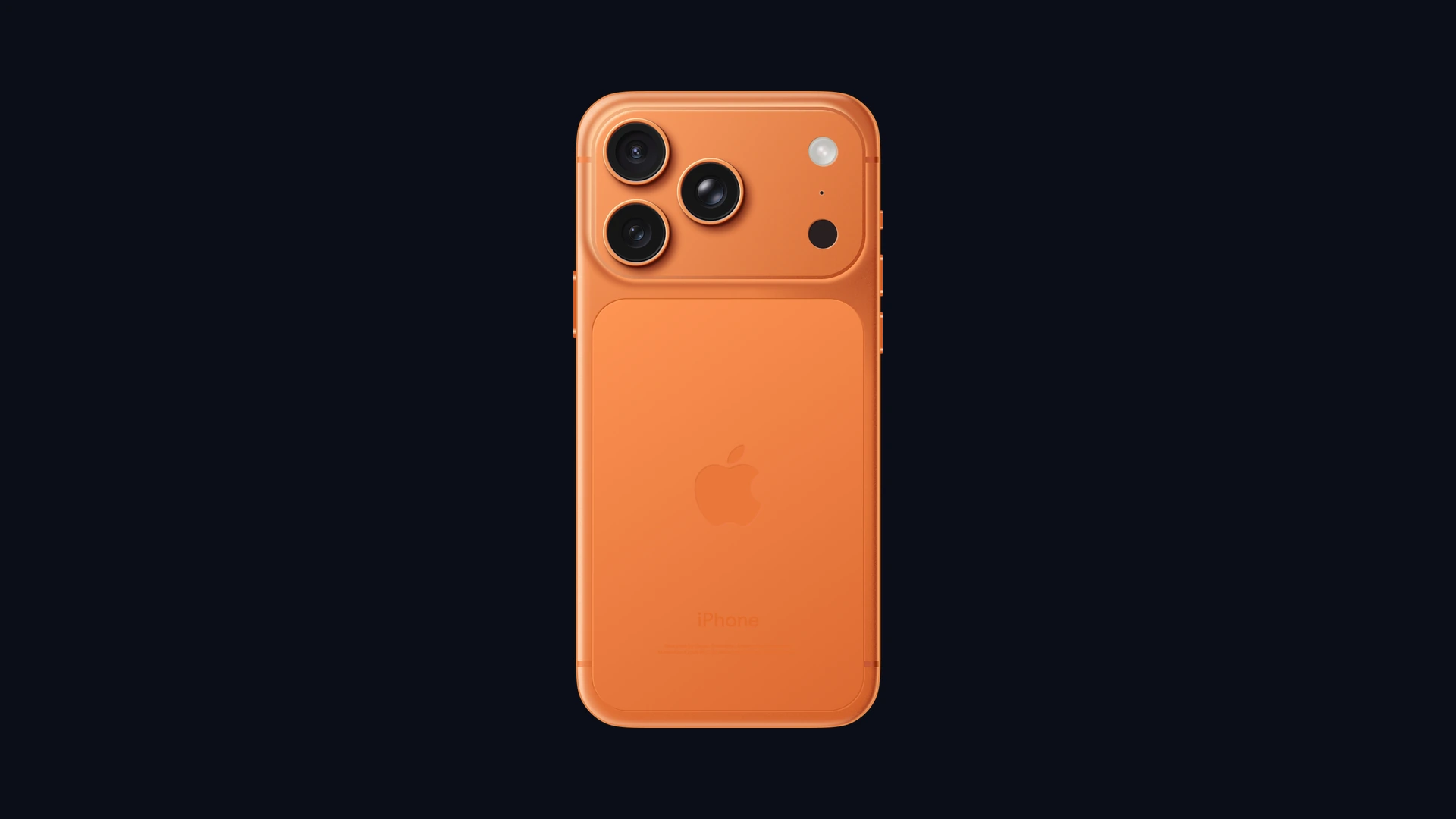
Cryptocurrency exchange Binance and independent cybersecurity researchers have issued an urgent security alert for Apple iPhone users regarding a newly disclosed container sandbox escape vulnerability dubbed “worse_query.” The flaw undermines one of the foundational security architectures of iOS, allowing malicious applications to break through strict sandboxing boundaries and read local data belonging to other installed applications. For cryptocurrency investors, developers, and corporate iPhone users, the exploit creates an immediate threat: unauthorized software could secretly extract unencrypted private wallet keys, recovery seed phrases, and authentication tokens stored on the device.
Why Binance Issued an Urgent Security Warning for iPhone Users
- Sandbox Escape Disclosed: Discovered by researchers
forcequitand0xjohnnyand verified by blockchain security firm SlowMist, “worse_query” breaks the isolation barrier separating third-party apps on iOS. - Targeted Crypto Asset Risk: The primary commercial threat targets decentralized wallet apps (such as MetaMask, Trust Wallet, and Phantom), where rogue background apps could inspect local data directories to siphon plaintext private keys and mnemonic seed phrases.
- Sideloading Is the Primary Vector: Unlike broad zero-click exploits, “worse_query” cannot easily pass through official Apple App Store review filters. The vulnerability specifically threatens users who install apps through sideloading, enterprise developer profiles, TestFlight builds, or alternative European marketplaces.
- Spike in “iPhone Hacked” Inquiries: The Binance warning coincided with Apple rolling out emergency software updates alongside state-sponsored mercenary spyware alerts, triggering a massive surge in users questioning if their devices have been compromised.
worse_query Vulnerability Matrix: Systems, Threat Scope, and Impact
| Security Dimension | Technical Scope and Operational Details |
|---|---|
| Vulnerability Identifier | worse_query (iOS Container Sandbox Escape) |
| Discovering Researchers | forcequit and 0xjohnny (Independent Security Researchers); verified by SlowMist |
| Affected Operating Systems | iOS 26.7.1, iOS 27.0.1, iOS 27.2, and corresponding iPadOS releases |
| Primary Attack Vector | Sideloaded IPAs, enterprise provisioning profiles, unofficial third-party app stores |
| Core Security Failure | App Group container query misconfiguration allowing cross-application file reading |
| Compromised Data Types | Cryptocurrency seed phrases, private keys, cached session cookies, local app databases |
| Official App Store Risk Level | Low (Apple App Store static analysis flags App Group container traversal patterns) |
| Current Patch Status | Users advised to install iOS 27.2.1 / 26.7.3 and purge unverified sideloaded apps |
How ‘worse_query’ Bypasses the iOS Container Sandbox
At the center of Apple’s mobile operating system is the iOS App Sandbox. Under standard design, every application lives in an isolated container directory. An app cannot read another app’s documents, databases, or local keychain caches without explicit operating system entitlements and user consent.
The “worse_query” flaw exploits a vulnerability in how iOS handles shared App Group containers. When applications are signed with matching App Group entitlements, iOS allows them to exchange data through a shared directory. Security researchers discovered that an attacker can craft a malformed container query that tricks the underlying file system into reading directories outside the app’s designated container boundaries. While the exploit does not grant root system control or allow kernel modification, reading arbitrary local files is more than enough to harvest unencrypted credentials, authentication tokens, and crypto keys.
Sideloaded IPAs vs App Store Apps: Who Is Actually at Risk?
The sudden surge in Google searches for “iPhone hacked” reflects widespread consumer confusion about how the vulnerability functions. Security analysts emphasize that average iPhone users who exclusively download verified applications from the official Apple App Store face minimal immediate exposure. Apple’s automated App Store ingestion pipeline employs static analysis to reject applications attempting irregular App Group entitlements or illegal container path traversal.
Instead, the genuine danger zone lies with advanced users who install modified IPA files outside official channels. Developers, crypto traders utilizing experimental decentralized tooling, and users taking advantage of alternative app marketplaces enabled under European Digital Markets Act rules are directly in the crosshairs. If an attacker slips a malicious payload into a modified productivity tool or cracked game distributed via Telegram or unofficial web links, that app can execute “worse_query” upon launch, scanning the iPhone’s storage for wallet folders.
Four Practical Steps to Secure Your iPhone and Wallets
To ensure your iPhone remains secure and prevent potential unauthorized wallet extraction, cybersecurity professionals recommend executing four proactive defenses:
- 1. Delete All Untrusted and Sideloaded Apps: Immediately navigate to
Settings > General > VPN & Device Managementand remove any enterprise certificates, developer profiles, or apps installed outside the official App Store. - 2. Update iOS to the Latest Build: Open
Settings > General > Software Updateand install the newest release available for your model (such as iOS 27.2.1 or iOS 26.7.3). These releases deliver critical memory corruption and security bypass hardening, complementing recent Apple emergency security updates for zero-click flaws. - 3. Rotate Crypto Wallets if Sideloading Was Used: If you previously installed third-party IPAs on an iPhone hosting software wallets, create a brand-new wallet on a completely clean device and transfer your funds immediately. Never rely on the old recovery seed phrase if a container breach is suspected.
- 4. Check Official Threat Notifications: If you received an on-screen warning claiming an attack, verify it independently by signing into
account.apple.com. Genuine Apple threat notifications will appear on your dashboard without asking you to click links or enter passwords, mirroring high-severity guidance from recent CERT-In cybersecurity advisories.
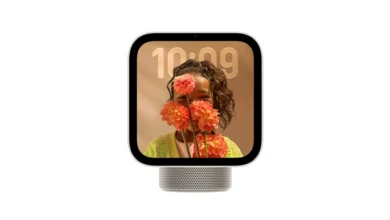
Apple’s rapid push to seal memory and container boundaries also protects smart home hubs and connected hardware, ensuring devices like the recently launched Apple HomeView smart display maintain strict local isolation across IoT networks.
PFD Context
The “worse_query” disclosure illustrates the double-edged sword of modern mobile ecosystems. As regulatory mandates push Apple to open iOS to third-party marketplaces and alternative app distribution, the ironclad security guarantees that once defined the platform are being tested. Sideloading delivers user freedom, but it shifts the burden of security from Apple’s automated vetting pipelines onto individual users. For cryptocurrency holders, keeping financial assets on a device loaded with unverified third-party IPAs is a risk no prudent investor can afford.
Stay Ahead in the Tech World
Join our community for breaking news, exclusive gadgets coverage & direct admin support.