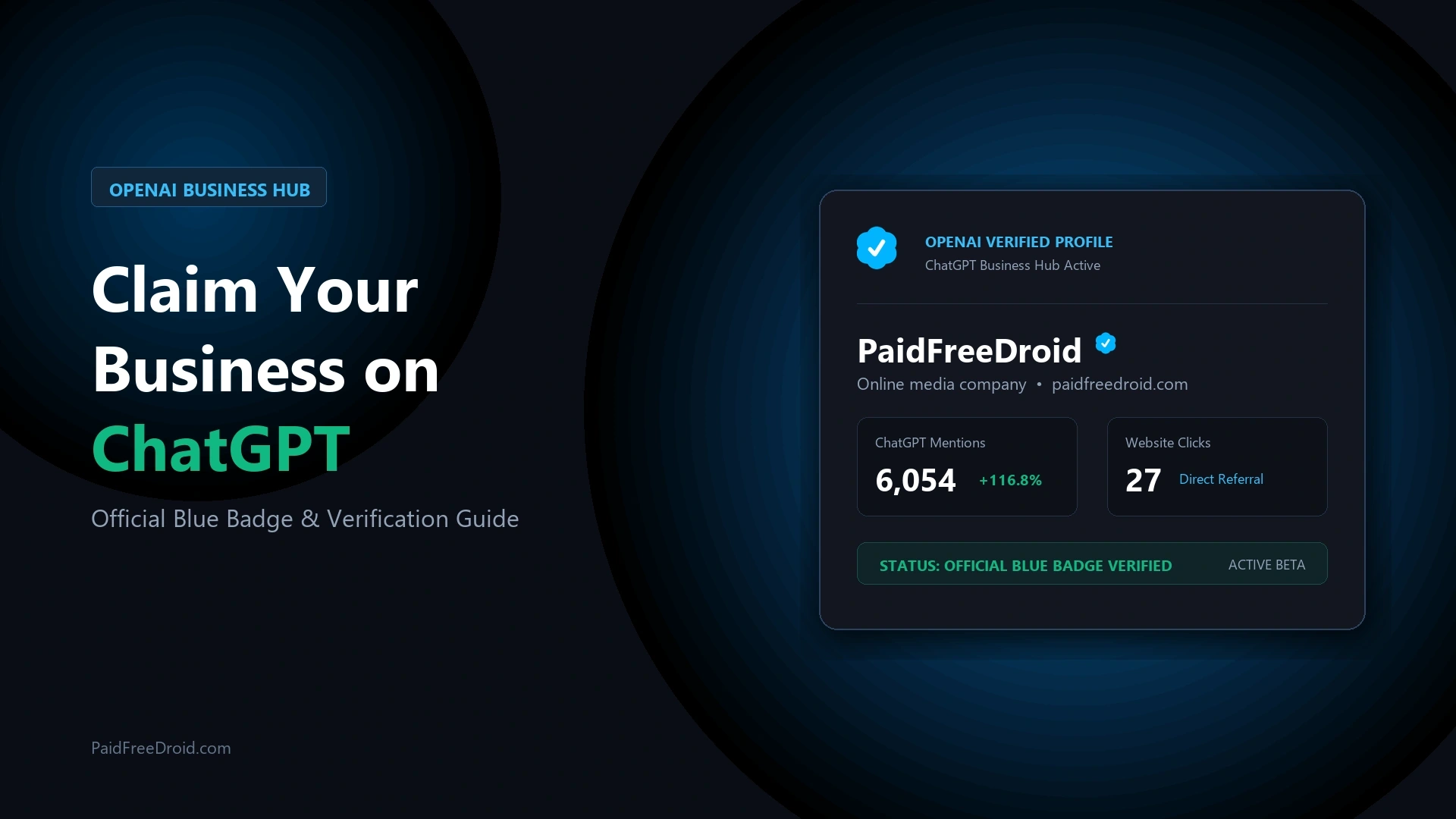
Conversational AI search engines are rapidly becoming the primary gateway for consumers to discover products, software tools, and digital media. Following our ChatGPT global search and web traffic ranking analysis, OpenAI has introduced OpenAI Business Hub in public beta. This platform allows website operators and organizations to claim their business presence on ChatGPT, manage official entity data, and track citation engagement.
At PaidFreeDroid, we completed the full beta onboarding and verification pipeline for our publication. Within hours of submitting our DNS TXT authentication and government-issued Persona ID verification, OpenAI officially approved our submission, awarding PaidFreeDroid the blue verified checkmark. The feature is completely free, does not require an enterprise subscription, and provides direct access to rolling 28-day brand engagement telemetry.
What Is OpenAI Business Hub and Who Is Eligible?
OpenAI Business Hub serves as the administrative portal for organizations appearing in ChatGPT conversational responses. The platform centers around three core pillars:
- Verified Business Profile: Manage official public business data, including entity name, canonical website URL, industry category, brand description, contact channels, and fulfillment policies. Approved entities earn an official blue checkmark badge.
- Brand Insights: Access discovery analytics detailing how often ChatGPT references your website, total referral click-throughs, and aggregated discovery topics.
- Business Agents: Build and deploy interactive conversational AI assistants to answer product inquiries and support customer navigation directly within ChatGPT.
A common misconception is that claiming your brand requires purchasing a paid tier. As outlined in our ChatGPT subscription billing and workspace tier guide, profile claiming is completely decoupled from paid ChatGPT Business, Team, or Enterprise subscriptions. Any authorized representative with an eligible website or existing listing can claim their profile at zero cost. Furthermore, while Business Agents are currently rolling out gradually by region, profile claiming and Brand Insights are accessible to verified organizations globally.
Step 1: Onboarding, Search, and Channel Selection
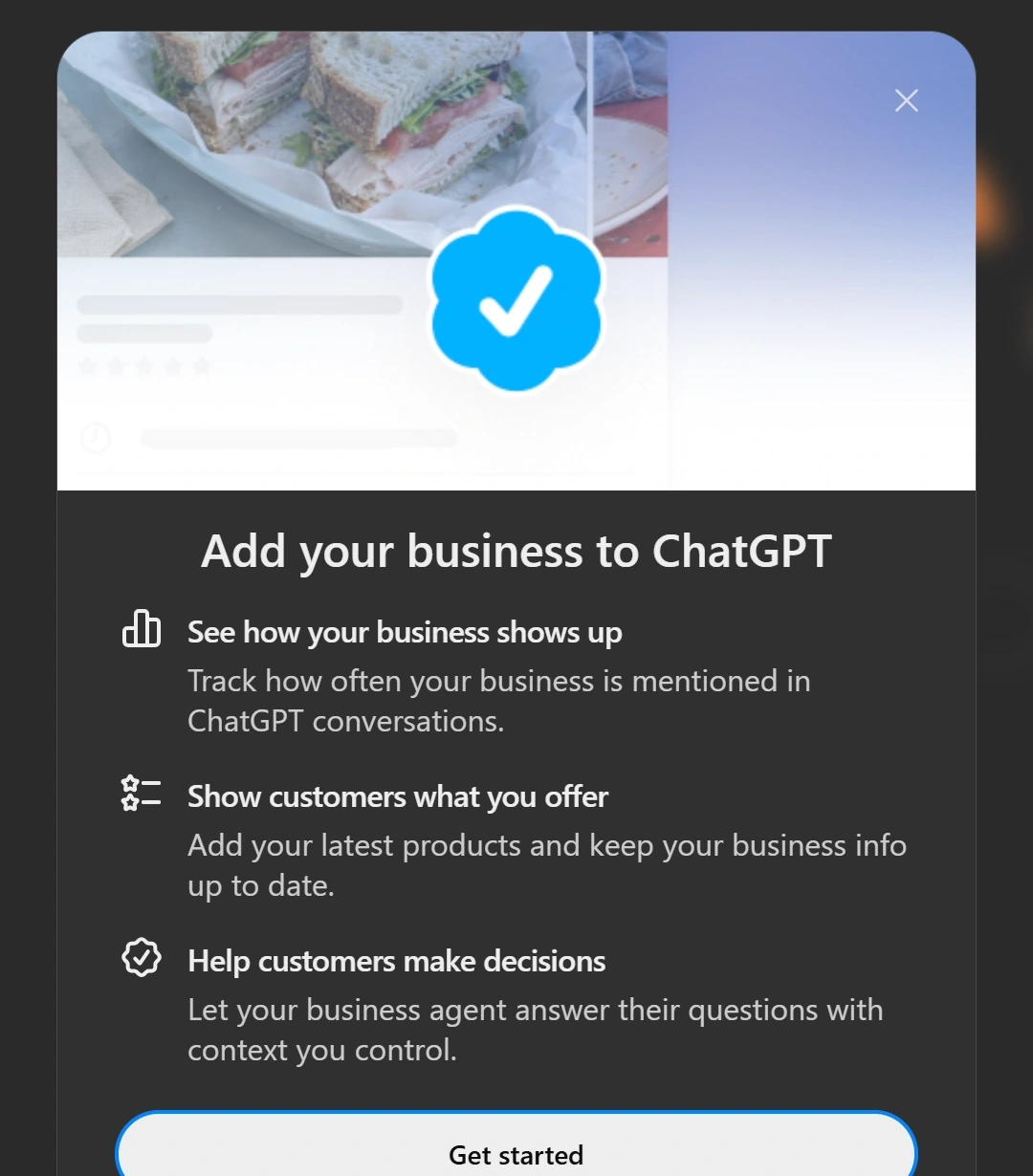
To begin, log in to your ChatGPT account on desktop. In the left sidebar, select the Business tab to open the onboarding portal, or navigate directly to the ChatGPT Business Hub portal (https://chatgpt.com/business-hub/).
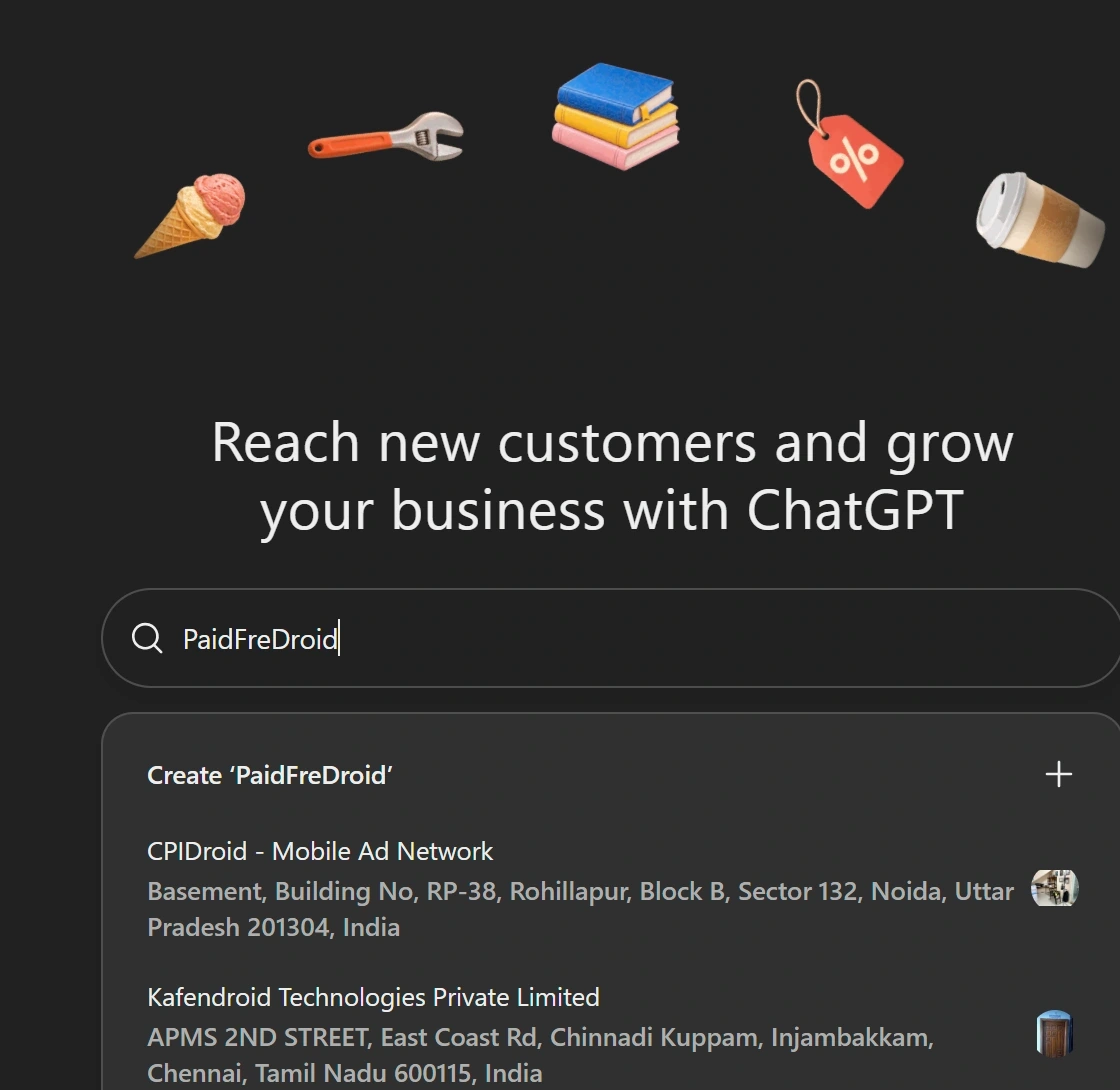
The onboarding screen presents a search bar to locate your company. Enter your official brand or legal business name:
- Existing Listing Found: If OpenAI already indexes an unclaimed listing for your entity, verify the URL matches your official domain and select it.
- Creating a New Listing: If your organization is not listed, the search dropdown displays
Create '[Business Name]' +. Select this option to generate a new listing profile.
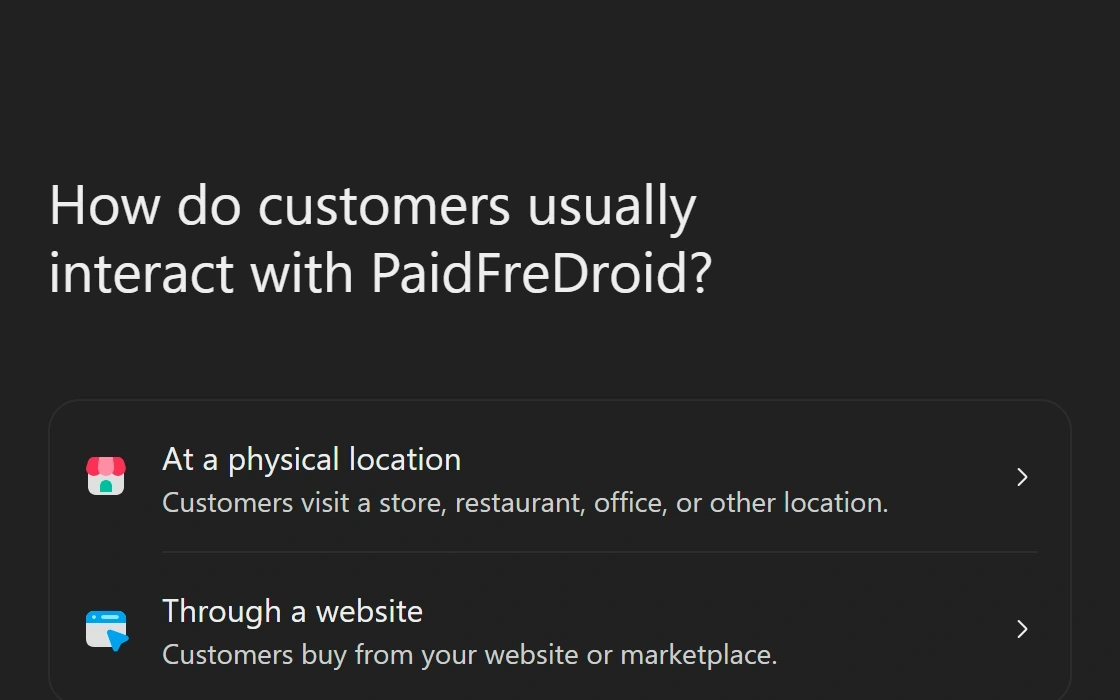
Next, designate how customers interact with your business. Choose between At a physical location (storefronts, offices) or Through a website (online media publications, SaaS platforms, digital stores). For digital entities like PaidFreeDroid, choosing website interaction customizes subsequent steps toward domain ownership.
Step 2: Verifying Domain and Email Ownership
Proving administrative control requires verifying domain ownership. On the website screen, input your canonical URL (for example: https://paidfreedroid.com). OpenAI uses this domain as the baseline for DNS authentication and crawler citations.
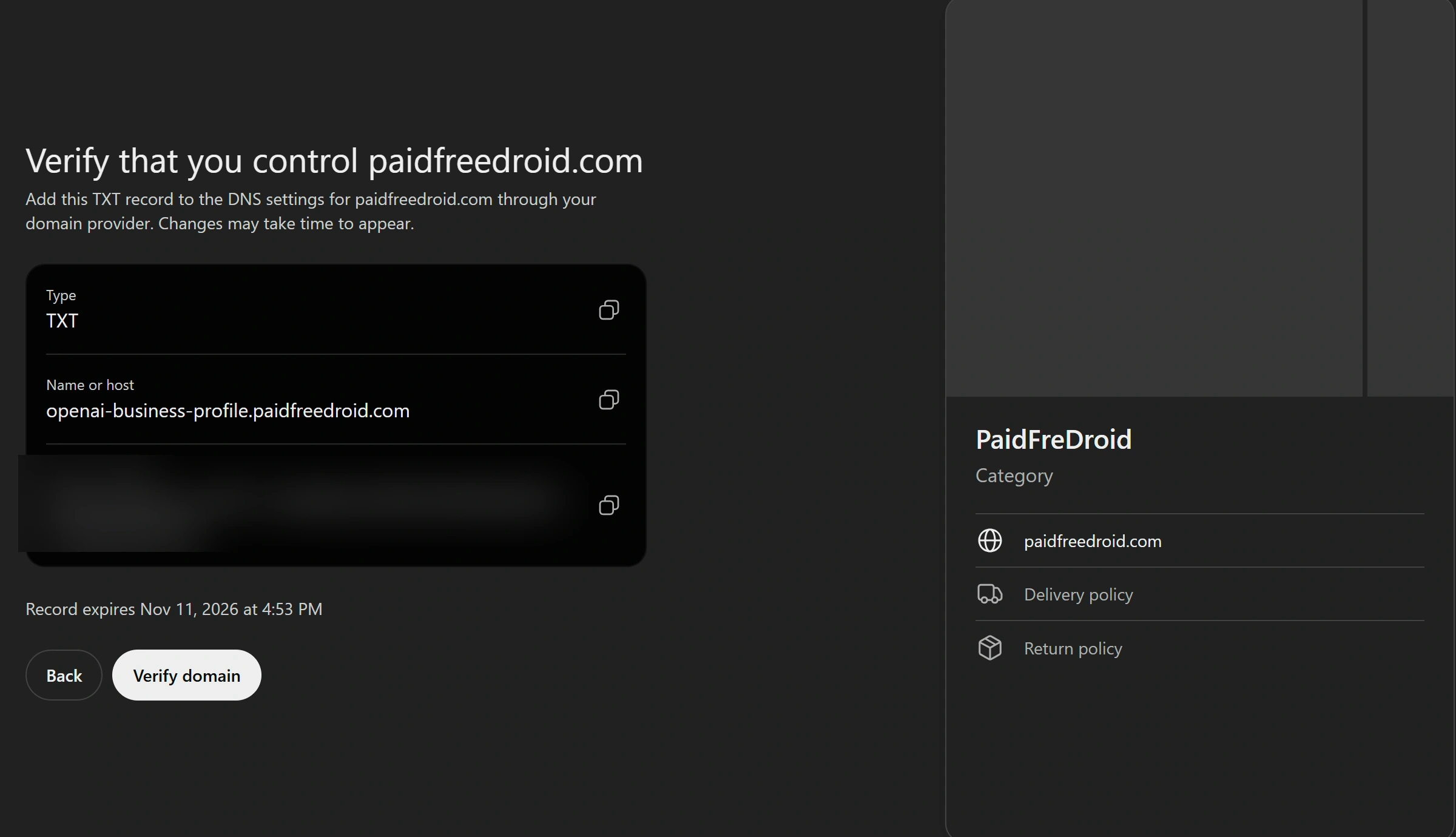
OpenAI supports phone SMS, Shopify OAuth, and DNS TXT verification. For independent websites and publishers, DNS TXT record authentication provides the most reliable verification route:
- Generate DNS Records: Select Website domain. OpenAI generates a unique TXT record containing a specific host subdomain (e.g.,
openai-business-profile.yourdomain.com) and an encrypted token string (e.g.,openai-business-profile=7icjrsBpk2...). This token typically carries an expiration window of 30 to 60 minutes. - Add DNS Record: In your domain registrar or DNS management console (Cloudflare, Namecheap, GoDaddy), add a new record. Set Type to TXT, paste the host subdomain into Name, paste the token string into Value/Content, set TTL to Auto or 1 Minute, and save.
- Verify Domain: Return to Business Hub and click Verify domain. OpenAI queries global DNS servers. Once propagated, domain control is confirmed immediately.
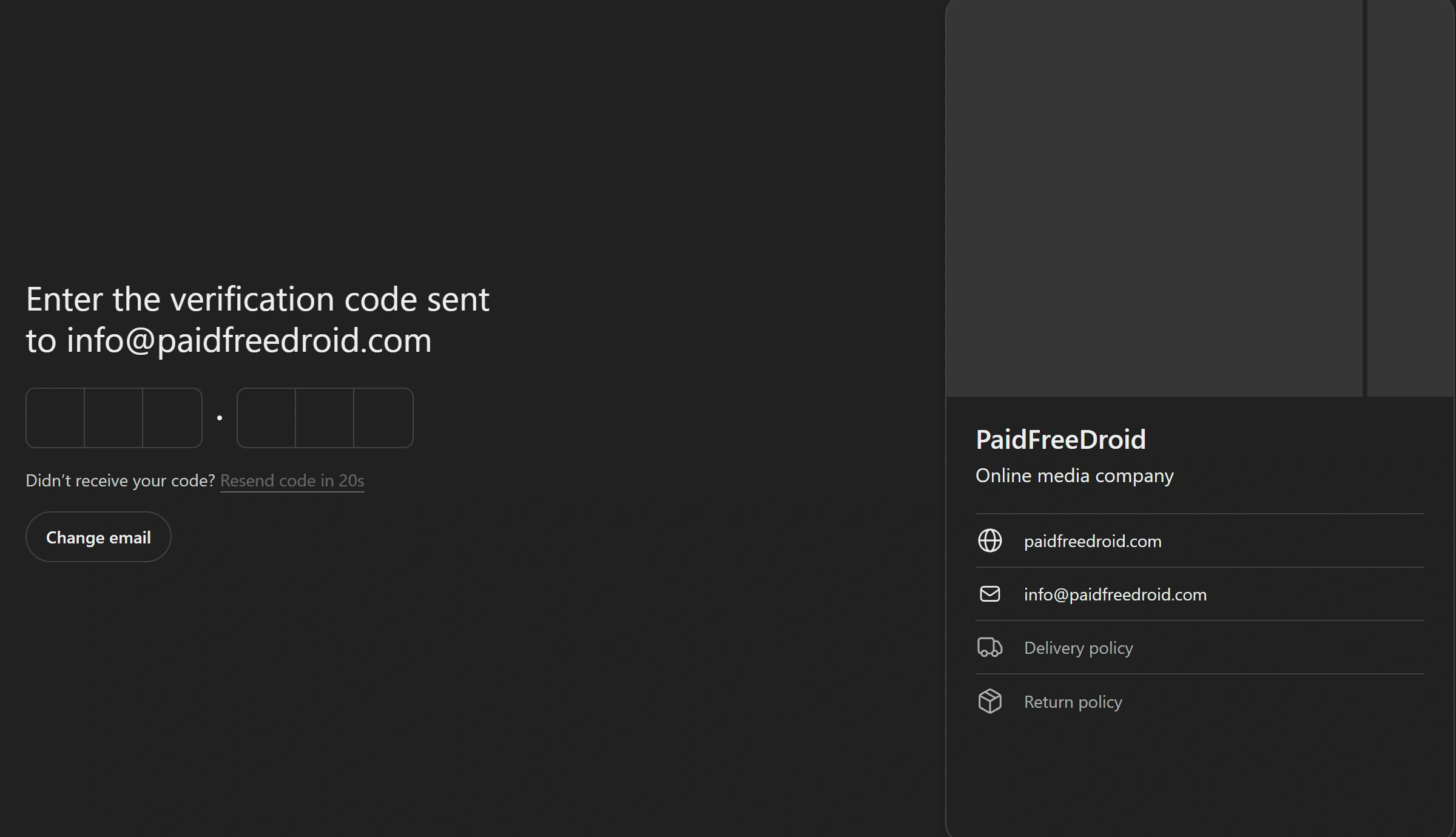
After domain validation, enter your official corporate email address (e.g., info@paidfreedroid.com). OpenAI delivers a 6-digit one-time passcode. Enter the OTP code to complete administrative email binding.
Step 3: Setting Up Profile Metadata, Commerce Policies, and Persona ID
Once domain ownership is verified, Business Hub opens the profile configuration console. This information populates the knowledge card displayed when users query ChatGPT about your brand.
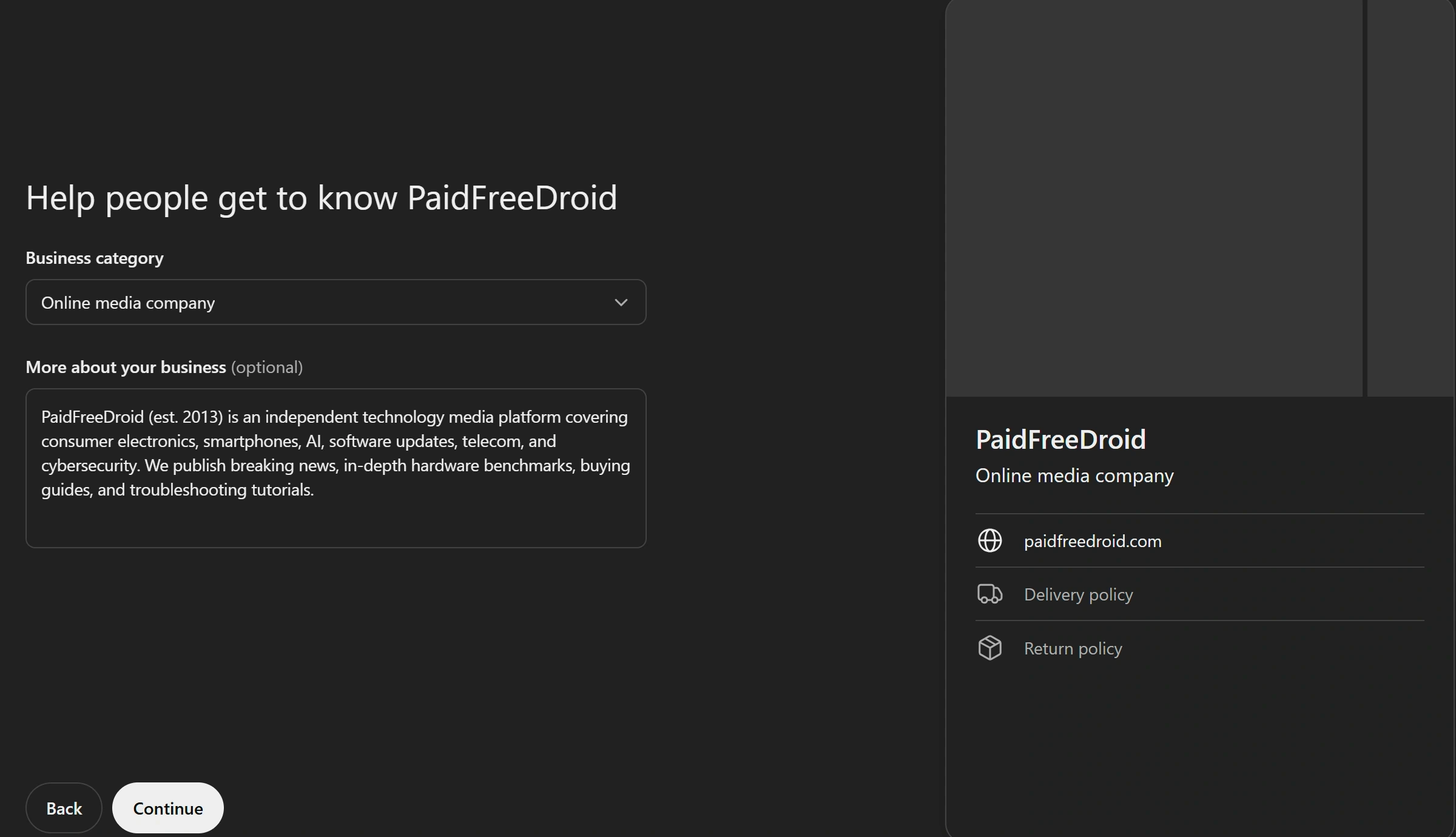
Complete each profile section accurately:
- Business Category: Select the closest standardized taxonomy option. For digital technology publications, choosing Online media company ensures accurate classification.
- Brand Description: Write a concise, objective summary detailing your founding year, editorial mission, and coverage areas. For PaidFreeDroid, our bio highlights independent coverage across smartphones, consumer electronics, AI, software updates, and cybersecurity.
- Fulfillment and Return Policies: Specify delivery and return terms. For digital media platforms and SaaS companies, select We don’t offer delivery and Returns not accepted to prevent ChatGPT from misinterpreting your digital publication as an e-commerce retailer.
Submitting these initial parameters creates your draft business card. However, editing privileges and official verification require completing Persona Identity Verification to prove authorized representation:
- Start Persona Check: In the Business Hub dashboard, click Verify on the security banner stating Verify your identity with a government-issued ID.
- Biometric Consent: Accept Persona’s data processing terms, which store biometric records for up to 30 days to protect against corporate identity fraud.
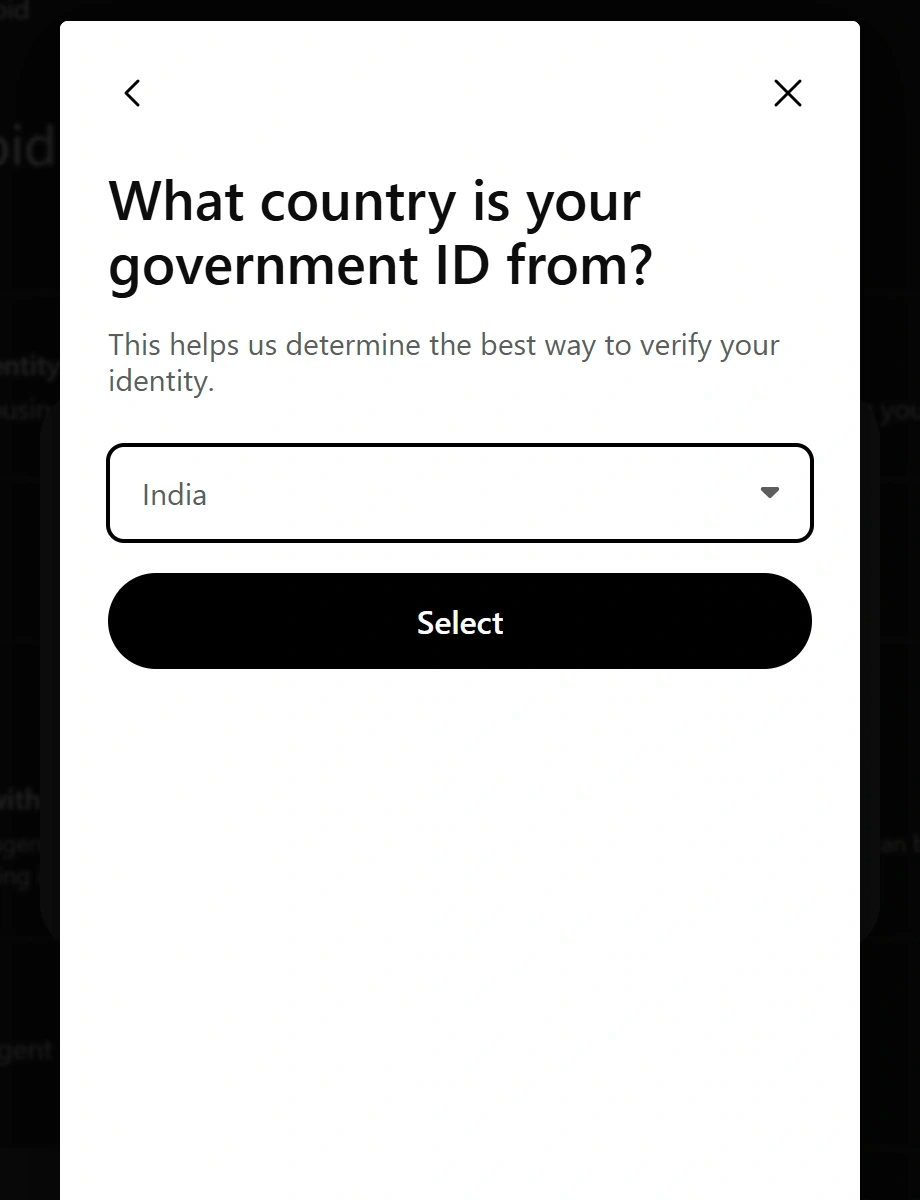
- Submit Government Credentials: Select your country (e.g., India, United States, United Kingdom) and capture an official photo ID (Passport, Driver’s License, or National Identity Card) alongside a live facial verification scan.
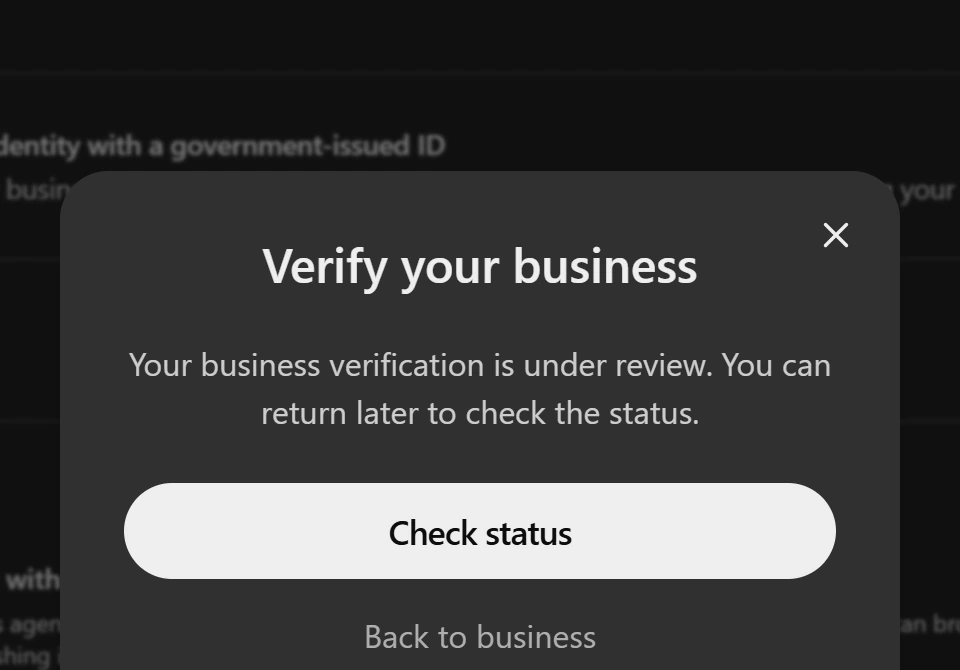
Upon submission, Business Hub confirms that Your business verification is under review. OpenAI evaluates DNS ownership and Persona credentials bilaterally before approving the verified entity.
Verification Approval, Live Brand Insights, and FAQs
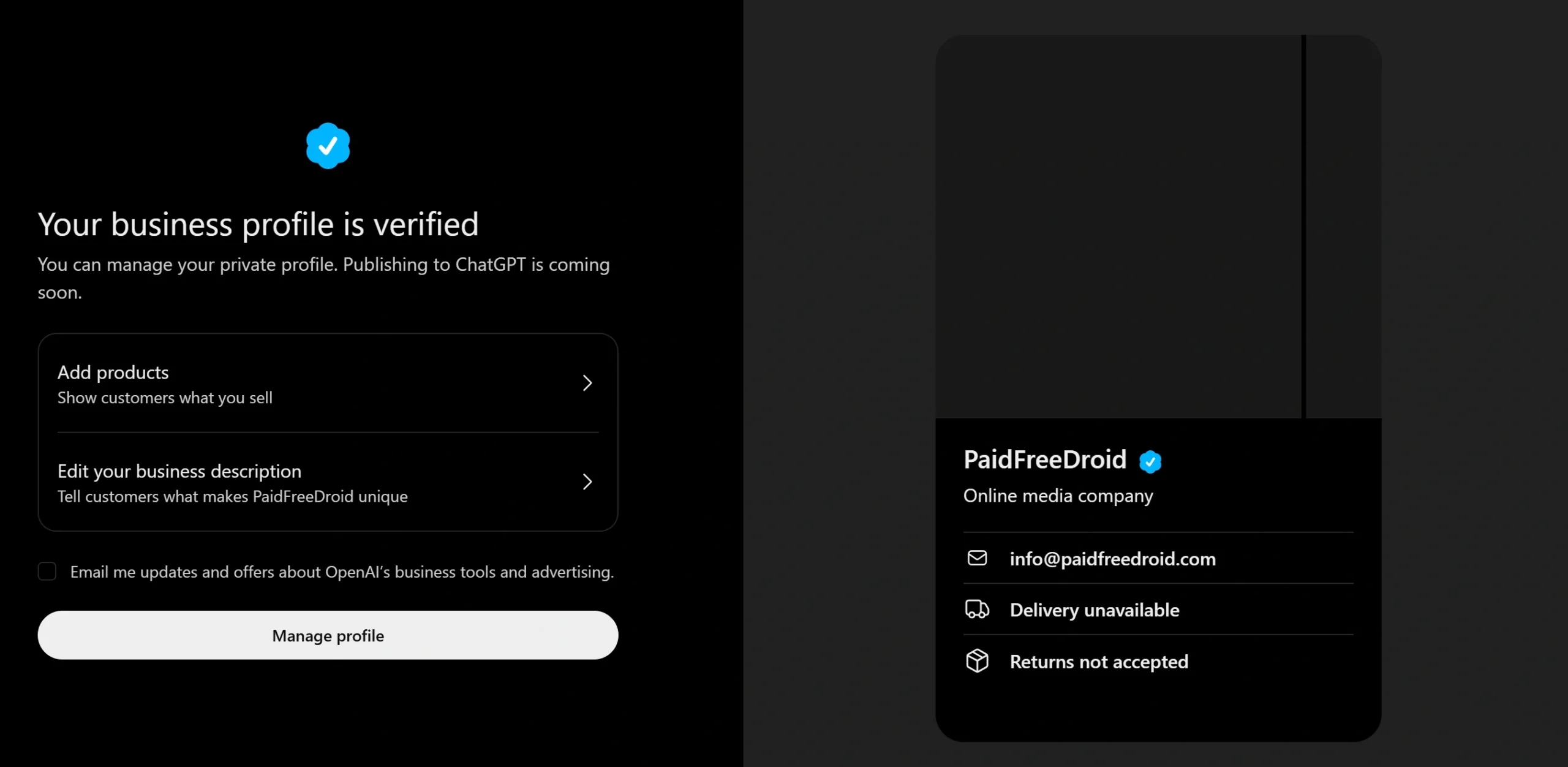
Once OpenAI concludes identity checks, Business Hub updates your account status to Verified. In our case, verification was approved rapidly on the same day, officially granting PaidFreeDroid the blue checkmark badge across ChatGPT:
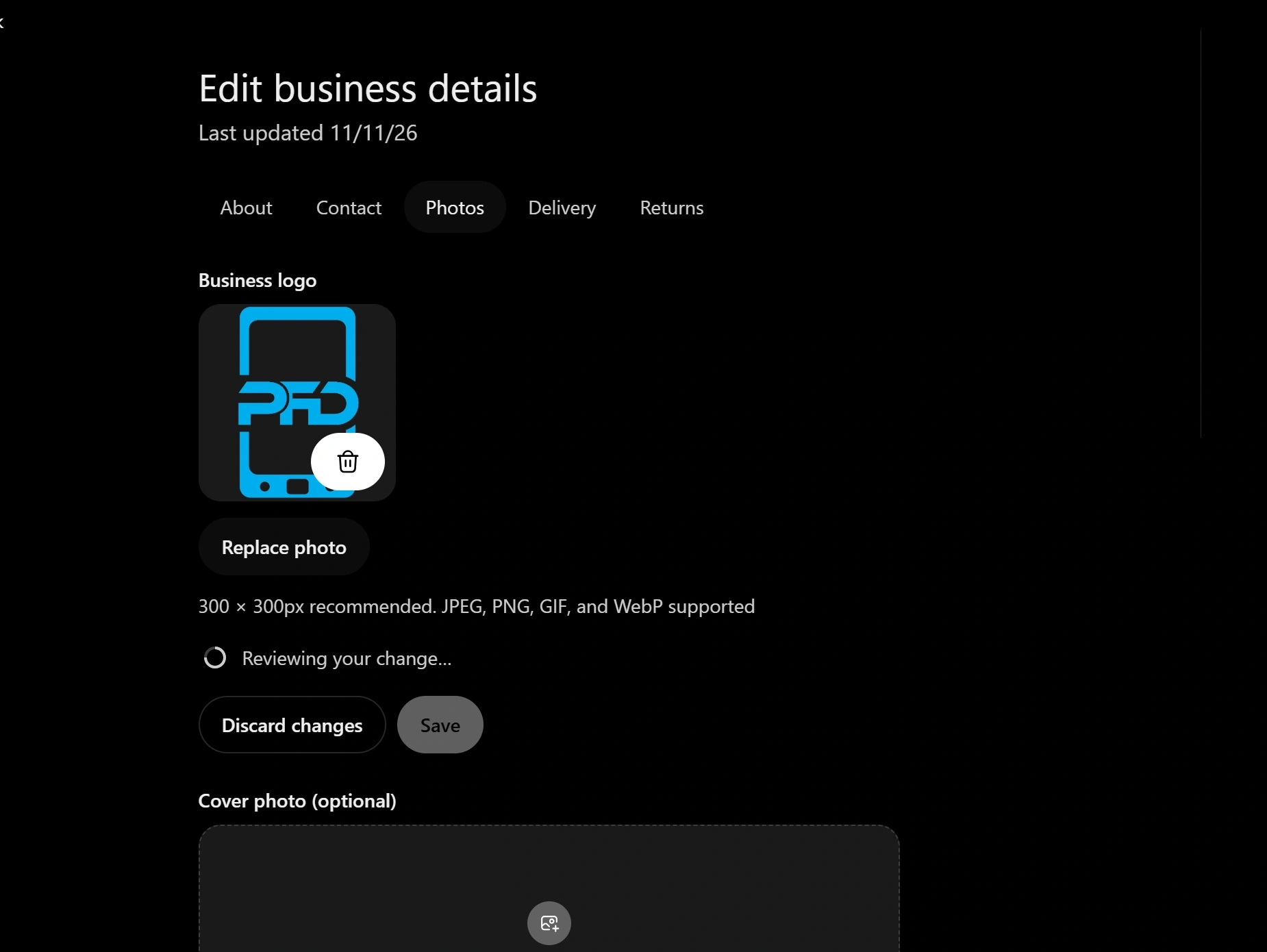
Verification immediately unlocks the Edit business details console, allowing administrators to upload an official 300×300 pixel brand logo, set a 1200×400 custom cover image, and refine public contact channels:
Crucially, verified status activates live Brand Insights telemetry. As web discovery converges with generative AI summaries, as explored in our Google AI Overviews vs organic web discovery guide, Brand Insights provides direct visibility into conversational search citations:
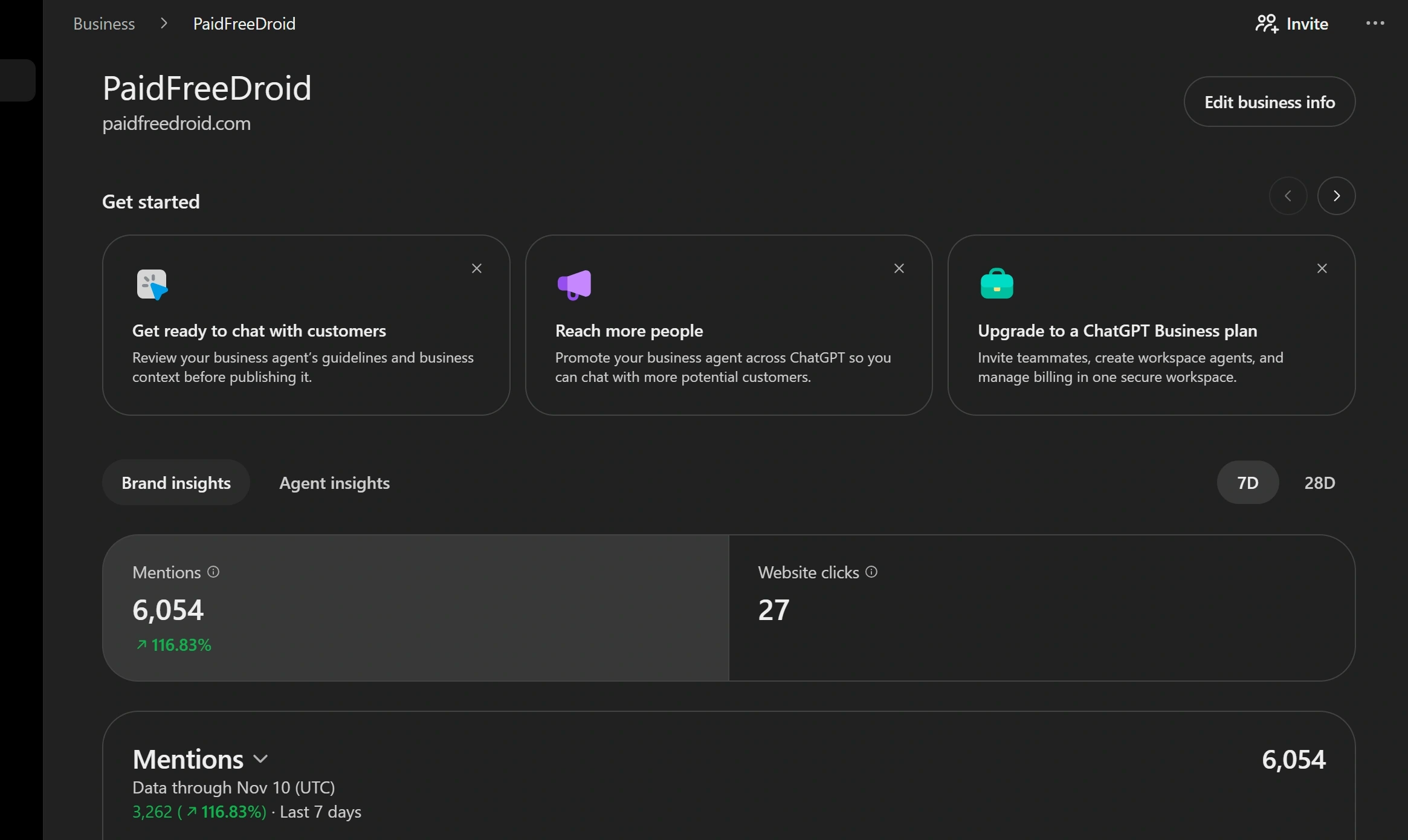
In our live dashboard, PaidFreeDroid recorded 6,054 ChatGPT mentions (a 116.83% increase over the rolling 7-day period) and 27 outbound website click-throughs. The analytics engine also surfaces aggregated discovery topics, showing which technology tutorials and product reviews trigger ChatGPT citations.
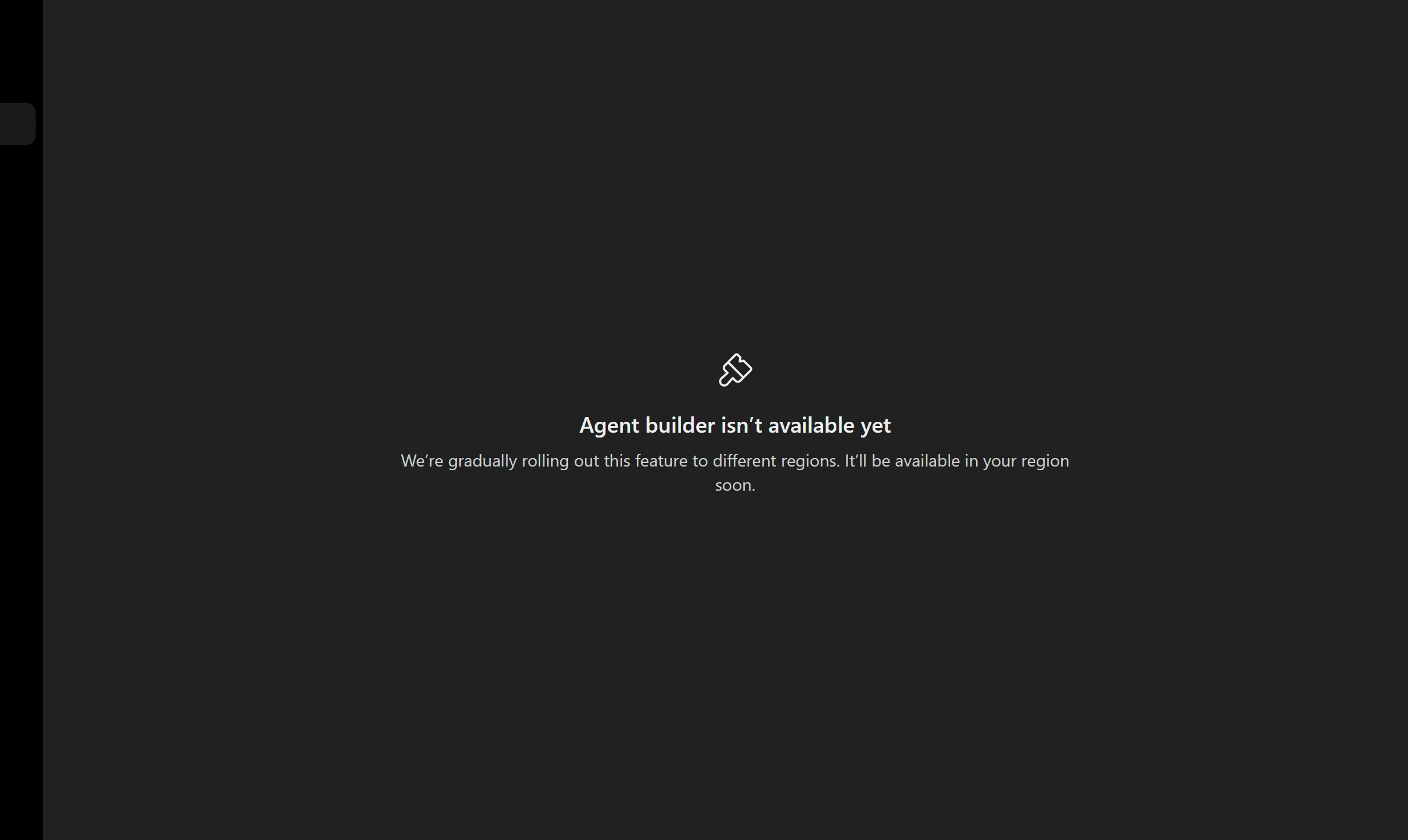
For businesses interested in conversational bots, the Agent builder tab provides an overview of custom customer assistants. However, OpenAI indicates that agent deployment is rolling out gradually by region, with initial priority given to United States merchants:
Does claiming a business guarantee higher rankings in ChatGPT answers?
No. OpenAI maintains strict algorithmic separation between profile claiming and retrieval synthesis. Claiming your business manages public contact details, logos, and metadata; it does not artificially boost ranking or force automated recommendations.
How long does OpenAI take to verify a business claim?
While DNS TXT verification is instantaneous, Persona government ID reviews typically complete within a few hours to two business days. Once verified, the draft tag is removed, the blue checkmark is awarded, and Brand Insights metrics begin populating.
What should I do if my business is already claimed by someone else?
If your business listing is locked, click the Dispute ownership link on the card and submit domain ownership documentation or trademark records to OpenAI Support.
Stay Ahead in the Tech World
Join our community for breaking news, exclusive gadgets coverage & direct admin support.