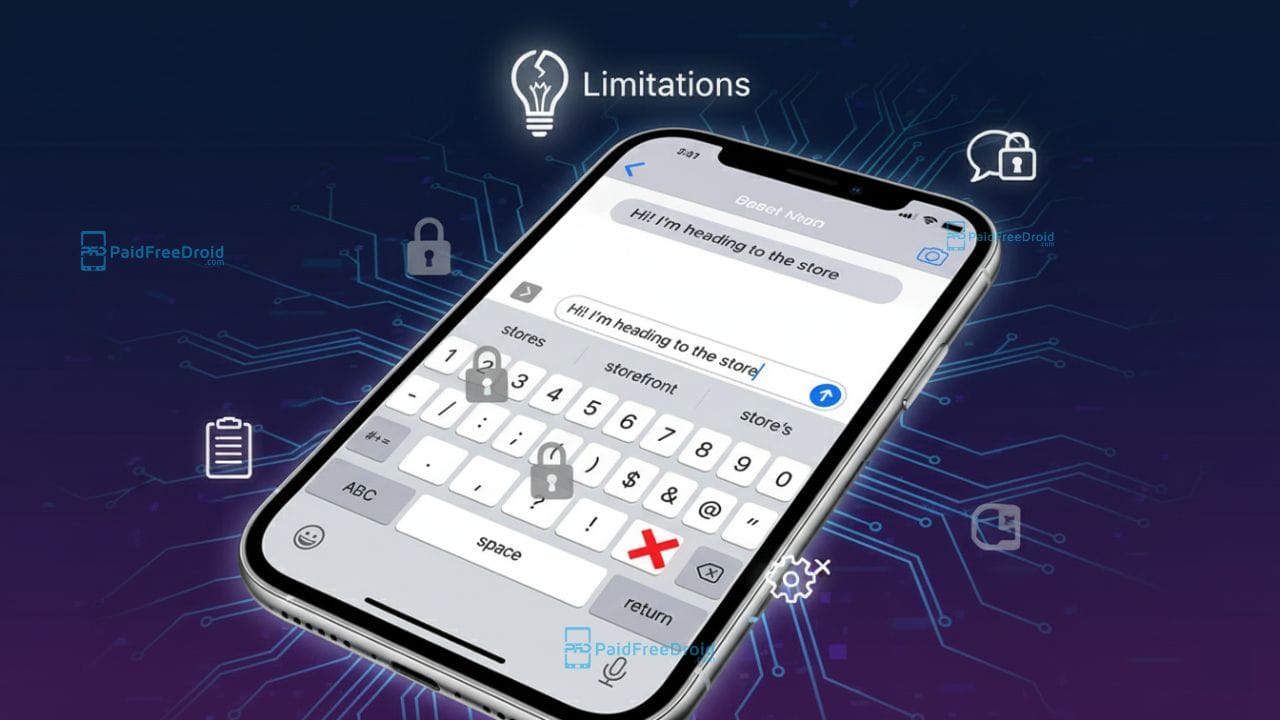
The iPhone’s built-in keyboard has drawn increasing criticism from power users who argue it falls short in productivity and customization. From user interface quirks to systemic restrictions on third-party alternatives, many common expectations remain unmet on iOS.
The Core Complaints: What Users Say They’re Missing
Users often cite a consistent list of frustrations with iOS’s default keyboard. Among the most commonly voiced limitations:
- Autocorrect issues & no easy “undo”
Many users complain about aggressive autocorrect and the lack of a simple backspace-undo (i.e. undoing the replacement) mechanism. - Limited punctuation & symbol accessibility
Crucial characters like commas, brackets, currency symbols, or operators are buried behind the “123” or symbol keyboard layer rather than being readily available on the main layout. - No press-and-hold for extended characters
The absence of long-press holding on many keys to reveal alternate symbols (e.g.()₹#&%) reduces typing speed. - Editing constraints: no tap-to-insert cursor, limited gesture control
Users often prefer tapping between characters to reposition the cursor, rather than relying solely on the spacebar-based cursor movement. On Android, many keyboards allow quick cursor movement gestures; iOS’s built-in solution is more limited. - No clipboard history / multi-clipboard
iOS traditionally supports only a single clipboard entry (the last copied item). Users wanting to access several previously copied items often find this limiting. - No dedicated number row
To access digits, users must switch to the numeric layer, rather than having a row of numbers above letters. - No quick-delete gestures
On many Android keyboards (e.g. Gboard), users can swipe across the backspace key to delete multiple characters or words swiftly, a feature not native to iOS’s default keyboard. - Non-resizable / non-adjustable layout
The built-in keyboard size, key spacing, and layout are fixed; users cannot adjust them to suit their hand size or preferences. - No built-in translation, GIF support, or in-keyboard tools
Features like inline translation (typing in one language and seeing auto-translated output), or seamless GIF insertion, are limited or entirely absent in the native iOS keyboard. - No direct case-toggle via selecting text + shift
On some platforms, you can select an entire word and tap Shift (or a capital key) to cycle through “ALL CAPS,” “Title Case,” or “lowercase.” iOS does not offer this convenience natively.
Taken together, these missing features can make typing, especially for power users or frequent typists, feel inefficient.
Why Third-Party Keyboards Also Struggle on iOS
If the built-in keyboard has limitations, why not replace it entirely? Unfortunately, iOS imposes a number of constraints on third-party keyboards that limit how fully they can replicate or exceed the native experience.
Sandbox & memory restrictions
Keyboard extensions on iOS run under strict sandboxing and resource caps, typically having limited memory and performance headroom. Poor memory allocation can cause third-party keyboards to crash or lag.
Restricted API access & system integration
Third-party keyboards cannot access certain system APIs or deeper system integrations (e.g. biometric access, certain system UIs). They may also be barred in secure entry fields (such as password or PIN fields), forcing fallback to the system keyboard.
Network & privacy restrictions (“Full Access” needed)
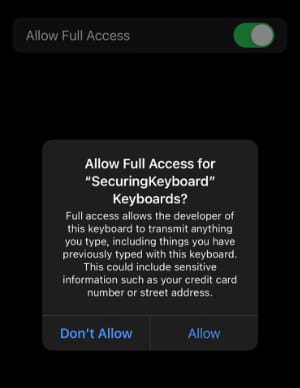
By default, keyboards do not have network access. To enable cloud syncing, online suggestions, or advanced features, users must grant Full Access. This can raise privacy concerns since it potentially allows the keyboard to transmit keystrokes or usage data. Some past iOS versions even had bugs allowing keyboards to gain full access despite user denial.
Default fallback & switching behavior
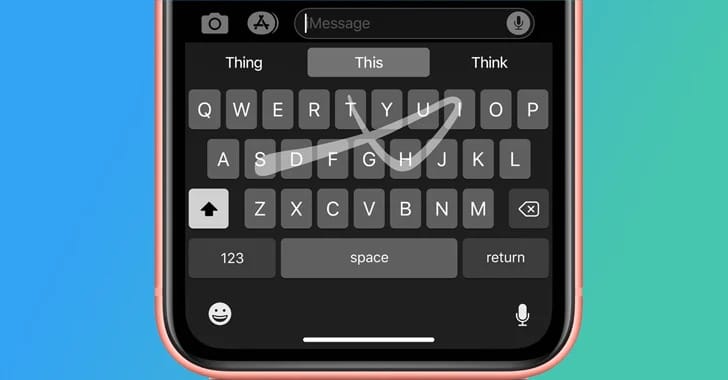
iOS can revert to the native keyboard automatically in certain contexts (e.g. secure text, some password fields). Users have also reported that the system sometimes unexpectedly switches keyboards mid-typing.
In short, even if a third-party keyboard offers the missing features, system-level limits prevent it from always substituting seamlessly for the native keyboard.
Real-World Reports & System Symptoms
Keyboard lag & freezing
Following the iOS 17 update, many iPhone users reported noticeable lag during typing: keystrokes delayed, predictions stalling, and bursts of delayed text appearing in chunks. Some users resolved it by disabling autocorrect and predictive text, or switching to a third-party keyboard.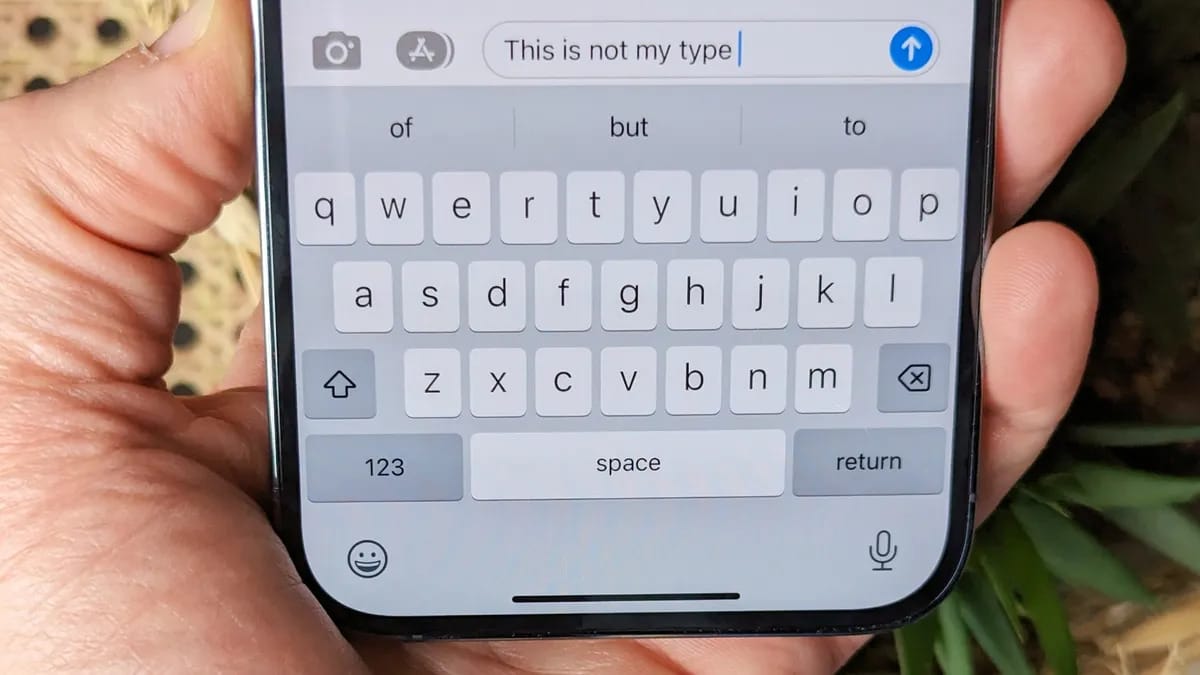
Critical reviews & comparisons
Tech outlets often criticize iOS for treating third-party keyboards as “second-class citizens.” For example, Tom’s Guide argues that iOS’s native keyboard is far behind Android equivalents and that Apple’s restrictions hamper competitive alternatives.
Clipboard tools on iOS
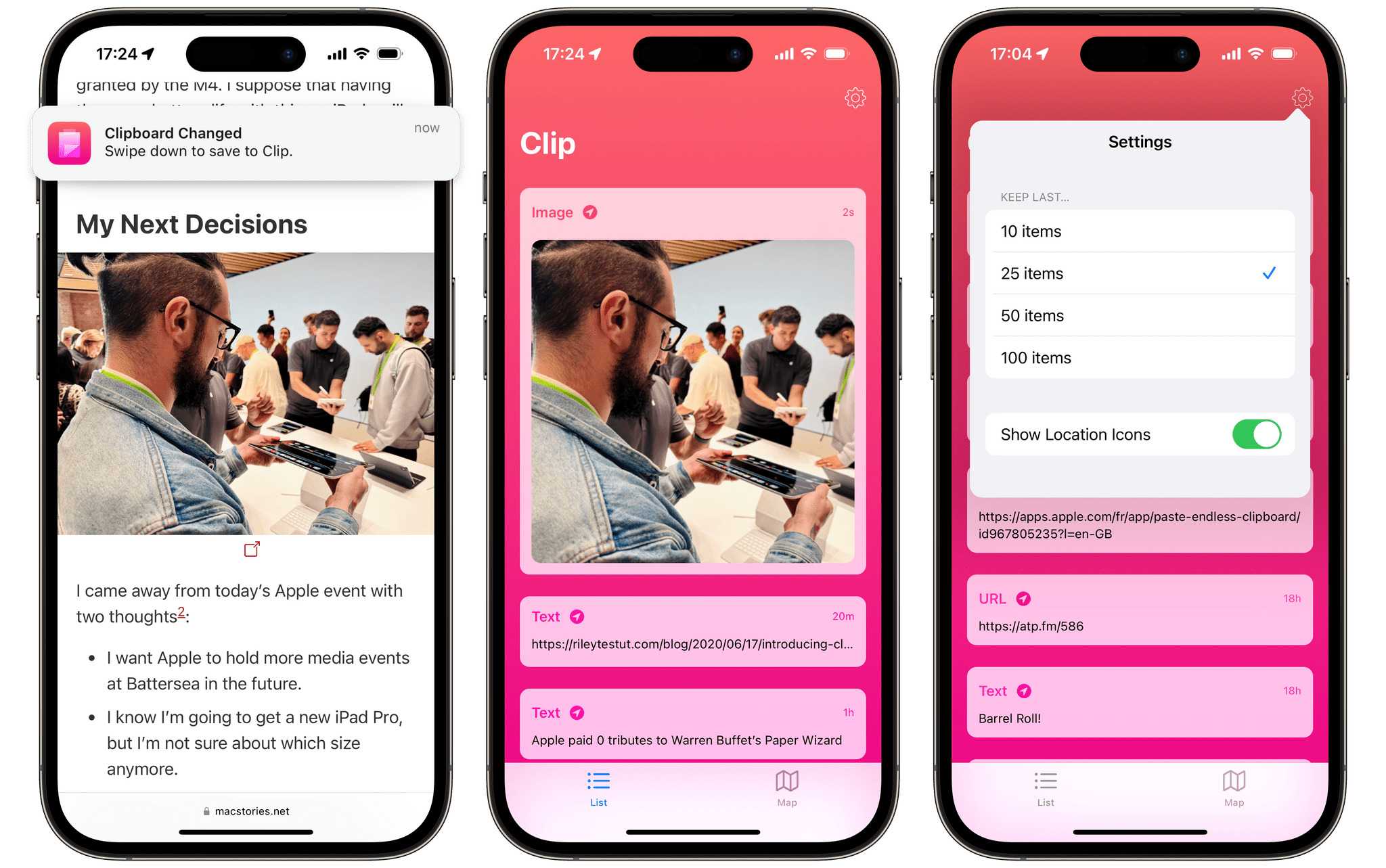
Because iOS restricts background clipboard monitoring, most third-party clipboard-history utilities require workarounds. The AltStore-based “Clip” tool is notable: it can monitor clipboard changes in the background using location-service workarounds and send notifications when new content is copied. However, such tools usually require sideloading or nonstandard app distributions.
Meanwhile, more conventional clipboard apps (e.g. “Paste”) allow users to manually save clipboard items, but cannot seamlessly integrate into every app’s text field across iOS.
Partial feature support in SwiftKey
SwiftKey on iOS offers a built-in clipboard panel (after granting full access) that lets users view and save recent copied items. It also provides features like prediction and a number row toggle, but is still subject to iOS-level limitations.
Possible Workarounds & What Users Can Try
While the core structural constraints remain with iOS, some tactics can mitigate discomfort:
- Use a feature-rich third-party keyboard
- Gboard (Google) supports GIFs, search, glide typing, and prediction on iOS, though occasionally switches back to default.
- Fleksy enhances typing via gesture-based editing and error correction algorithms.
- Typewise offers a hexagonal layout and privacy-focused AI prediction.
- Use a dedicated clipboard tool
- Apps like Paste or Clip can store and let you retrieve multiple clipboard items. While they can’t fully automate integration into every text field, they can be a useful companion.
- Leverage iOS Shortcuts & text expansion
- Build custom shortcuts or text-replacement snippets to insert frequently used phrases, symbols, or punctuation.
- Use cursor movement gestures available in iOS (press and hold the spacebar) to reposition the cursor.
- Provide feedback to Apple/vote for improvements
- Apple sometimes “Sherlocks” popular third-party features (integrates them natively after they become mainstream). For example, macOS recently added a clipboard history integration in Spotlight.
- User feedback through Apple’s feedback channels has led to adjustments in past iOS updates.
What Apple Has Done & What Might Change
Although many limitations persist, Apple has incrementally improved iOS over time and may further evolve keyboard features:
- Clipboard enhancements in macOS / ecosystem trends
Apple’s macOS integration of clipboard history suggests a general expectation that clipboard features might find their way into iOS eventually. - Gradual feature additions
In past updates, iOS has added small improvements to its keyboard (e.g. voice dictation, emoji search, dictation-to-text, better punctuation handling). But many of the more advanced productivity features remain absent. - Possible loosening of system restrictions
If Apple chooses to open more APIs, allow more robust third-party integration, or give stronger default keyboard settings, some of these issues could be resolved natively.
That said, as of iOS versions available publicly, the structural limitations of the iOS keyboard system continue to impede parity with more customizable systems like Android.
The criticisms leveled against the iPhone’s keyboard, from lack of clipboard history, symbol access, gesture-based editing, to restrictive autocomplete, are widely shared among power users. While third-party keyboards offer partial relief, iOS imposes fundamental constraints on memory, API access, and default switching that limit how fully an alternative keyboard can replace the native one.
Until Apple rethinks its keyboard architecture, many of these productivity gaps will remain unresolved for users who demand an efficient, feature-rich typing experience. For now, combining a capable third-party keyboard, clipboard tools, and customized shortcuts offers the most viable path toward improved typing on the iPhone.
Tags: iPhone keyboard, iOS keyboard limitations, third-party iOS keyboards, clipboard history iPhone, keyboard productivity, iOS typing tools
Stay Ahead in the Tech World
Join our community for breaking news, exclusive gadgets coverage & direct admin support.