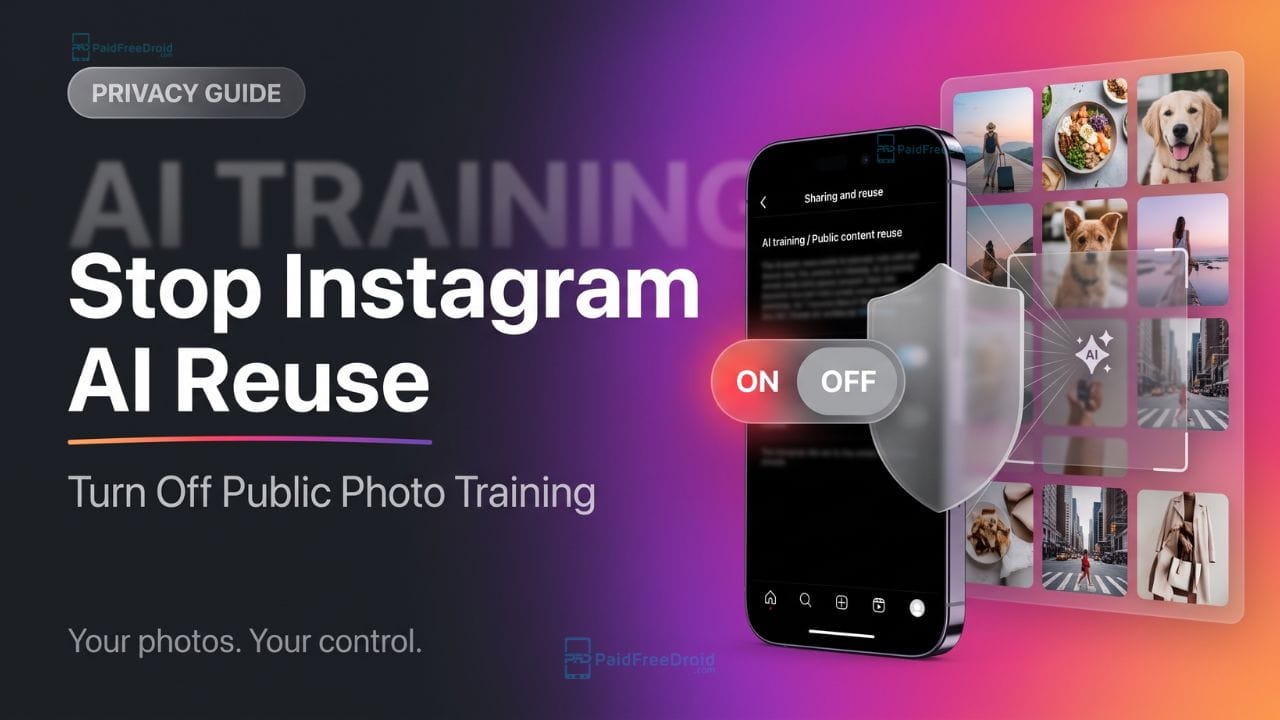
Instagram has quietly rolled out a new artificial intelligence feature called Muse Image, and it is causing massive privacy concerns across the platform. If your account is public and you are over 18, Meta has automatically opted you into a system that allows strangers to generate AI images of you using simple text prompts.
If you feel this makes the platform unsafe and opens the door for your personal pictures to get misused, you are not alone. Here is everything you need to know about this default setting and the exact steps to turn it off right now.
What is Instagram Muse?

Meta’s Muse Image is a new AI image generator currently rolling out across Instagram and WhatsApp. While generating custom AI images sounds harmless on the surface, the privacy implications are severe:
- Public Harvesting: Anyone can simply @-mention your public Instagram account in the Meta AI app to pull your profile’s photos directly into their AI creations.
- No Consent or Notifications: Because this feature was enabled by default for eligible public accounts, most users were automatically included without explicit consent. Worse, you will not be notified if someone uses your photos as source material for their AI generations.
- Risk of Misuse: People can easily manipulate your likeness, placing your face or body in fabricated scenarios and environments.
How to Disable AI Photo Reuse on Your Account

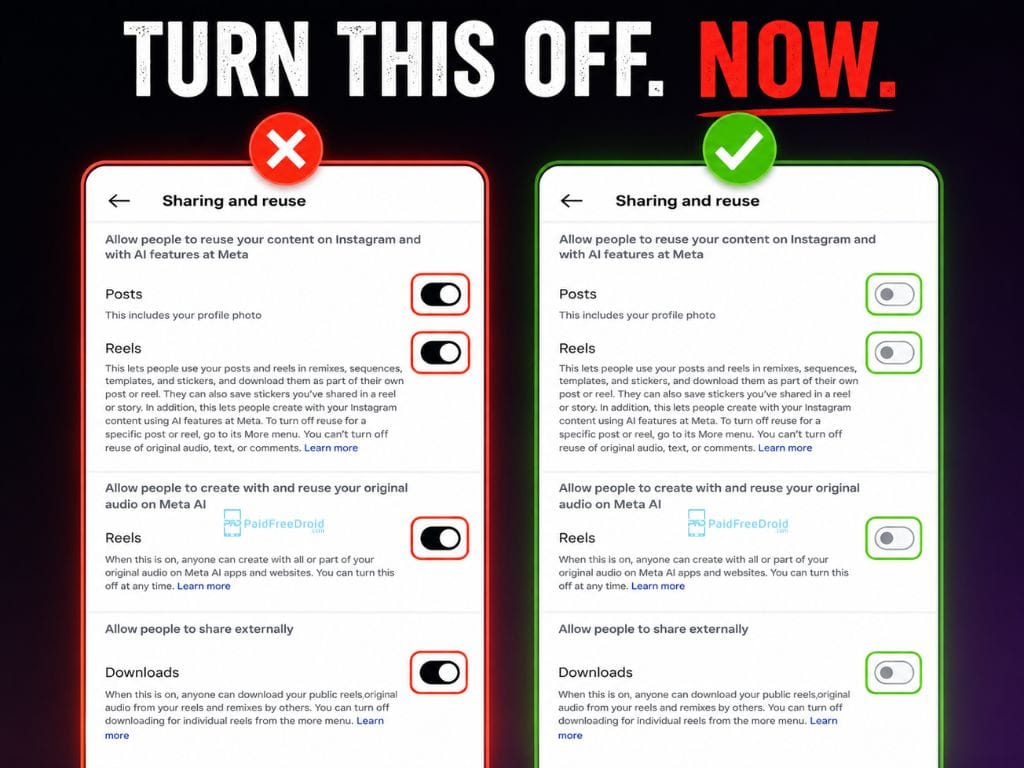
To prevent your pictures from being harvested as raw material for someone else’s AI experiment, you need to manually dig into your account settings to opt out.
Follow these exact steps to disable the feature:
- Open Instagram and head to your Profile.
- Click the three-line menu (hamburger icon) in the top right corner of your screen.
- Scroll down the menu and tap on Sharing and reuse.
- Look for the section labeled “Allow people to use your content on Instagram and with AI features on Meta”.
- Turn Off the toggles for both Posts and Reels.
Private Account Alternative
If you want an absolute, blanket guarantee that your photos cannot be accessed by the Muse AI tool, the most foolproof method is to switch your account from Public to Private.
Important Note: If you simply toggle the AI setting off, it prevents future generations, but it does not delete AI content that strangers have already created using your face. However, if you switch your account to Private for longer than 24 hours, Meta states that all reels, posts, and stories that previously reused your content will be automatically deleted from the platform.
Take two minutes today to check your settings and lock down your digital privacy.