


A couple of months have passed since the Indian government’s decision to ban PUBG Mobile in India. Many Indian players still playing PUBG Mobile, as if no ban had been imposed.
It turns out that you do not have to wait for the re-launch of the PUBG Mobile India edition to get a Chicken Dinner. You could easily play the same game played by the rest of the world, along with all your previous game progress, purchases and mates.
Unfortunately, iPhone users will have to wait for an official release via App Store, but there is no restriction for Android users.
Read This Before Proceeding: Given that it is up to you as law-abiding citizens to obey the law of the land, before the ban is lifted, you can hold on to your demands to download the game. In December 2020, Krafton initially decided to bring the game back, but negotiations with the Indian authorities failed, led to a delay in the release of PUBG Mobile India. The Indian version has been said to bring some new updates and content unique to India to attract Indian players.
PaidFreeDroid Team
We will still suggest you wait for the Indian version of the game to release and try out alternatives of PUBG Mobile till then.
Download & Play PUBG Mobile v1.2.0
So, without wasting further time, below are the steps you can follow to download & play PUBG Mobile in India:
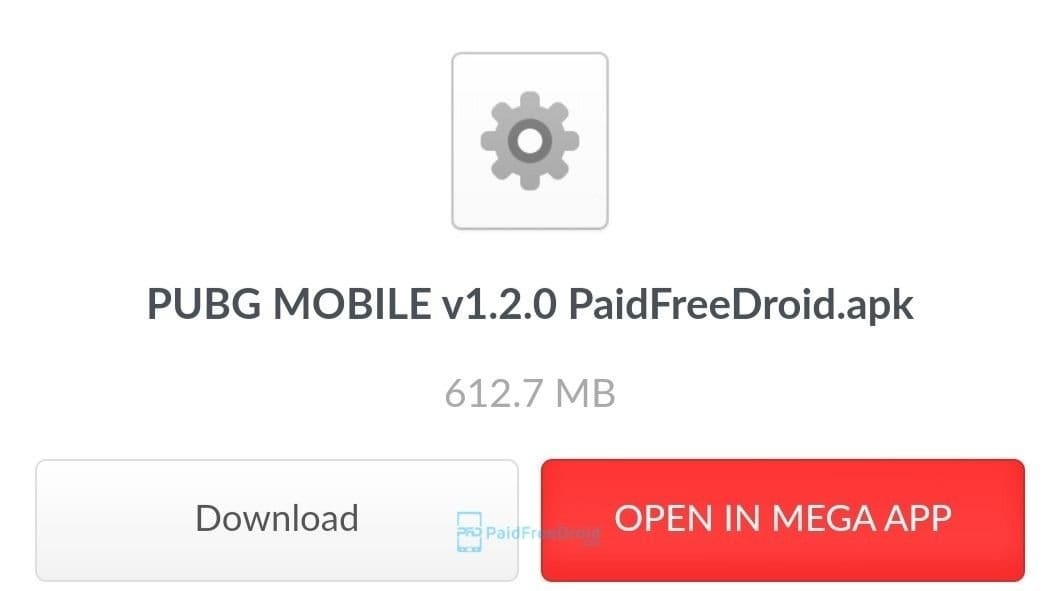
- Download The Official PUBG Mobile APK
You can download any VPN app to switch your IP to anywhere else in the world and download APK from the official website.
But we have made this simple for you, just click here to download APK file directly [v1.2.0 – 613MB].
(we will keep updating this link as soon as new version arrives officially).
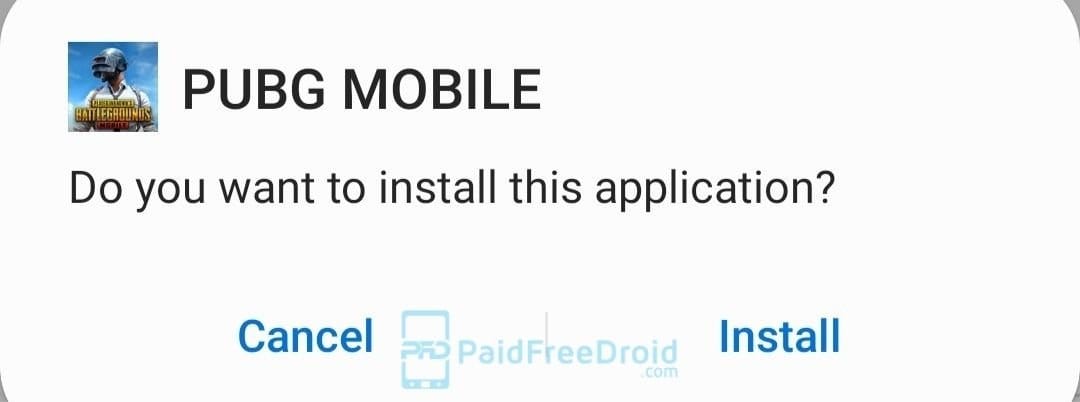
- Install The PUBG Mobile APK
After the download is complete, just install the APK like any other app. (Make sure you allow Installation from Unknown Sources from settings in order to install).
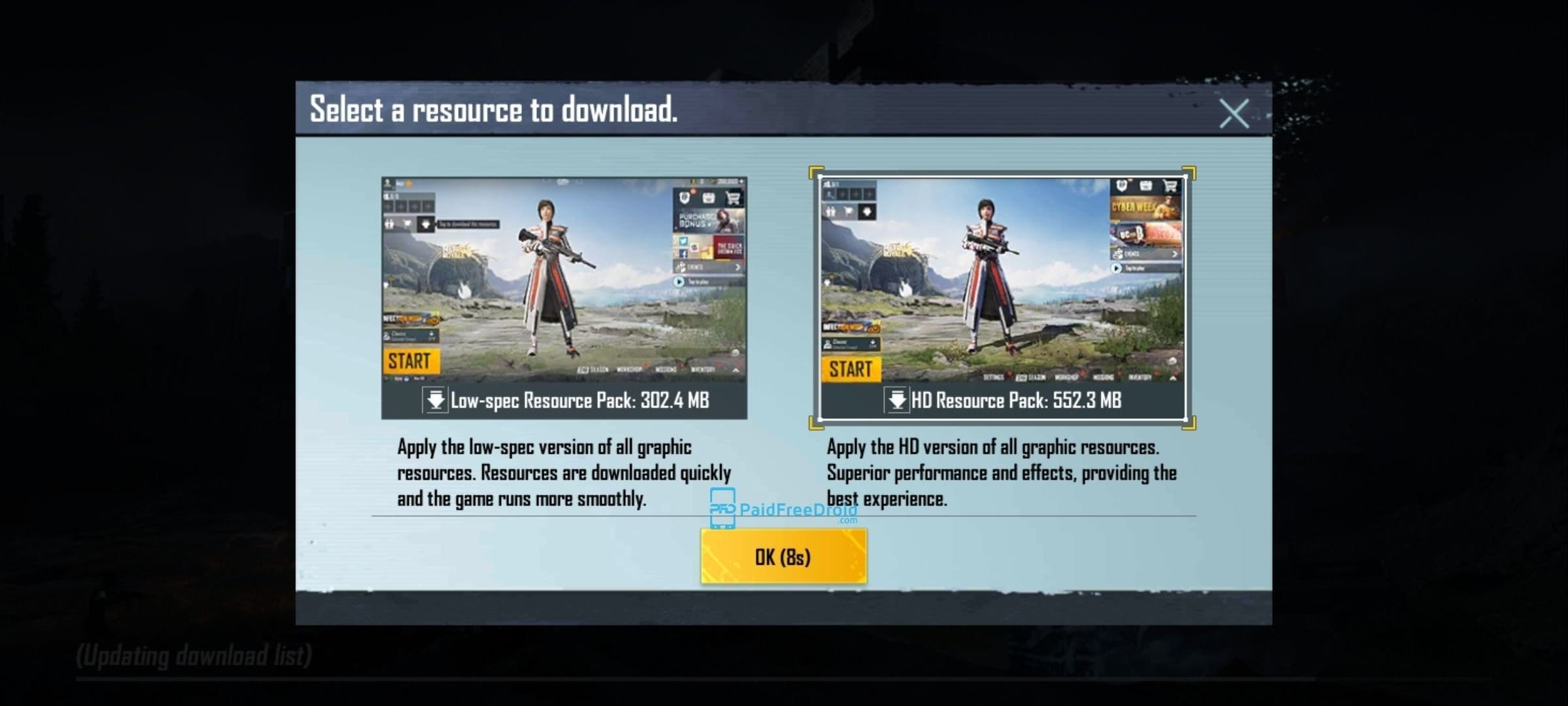
- Download Resource Pack Inside The Game
Open PUBG Mobile and select the desired resource pack to download inside the game.
After selecting the HD or Low-spec resource pack, the game will automatically download the selected resource pack and the download size of the resource pack depends on your handset. - Login With Your Account
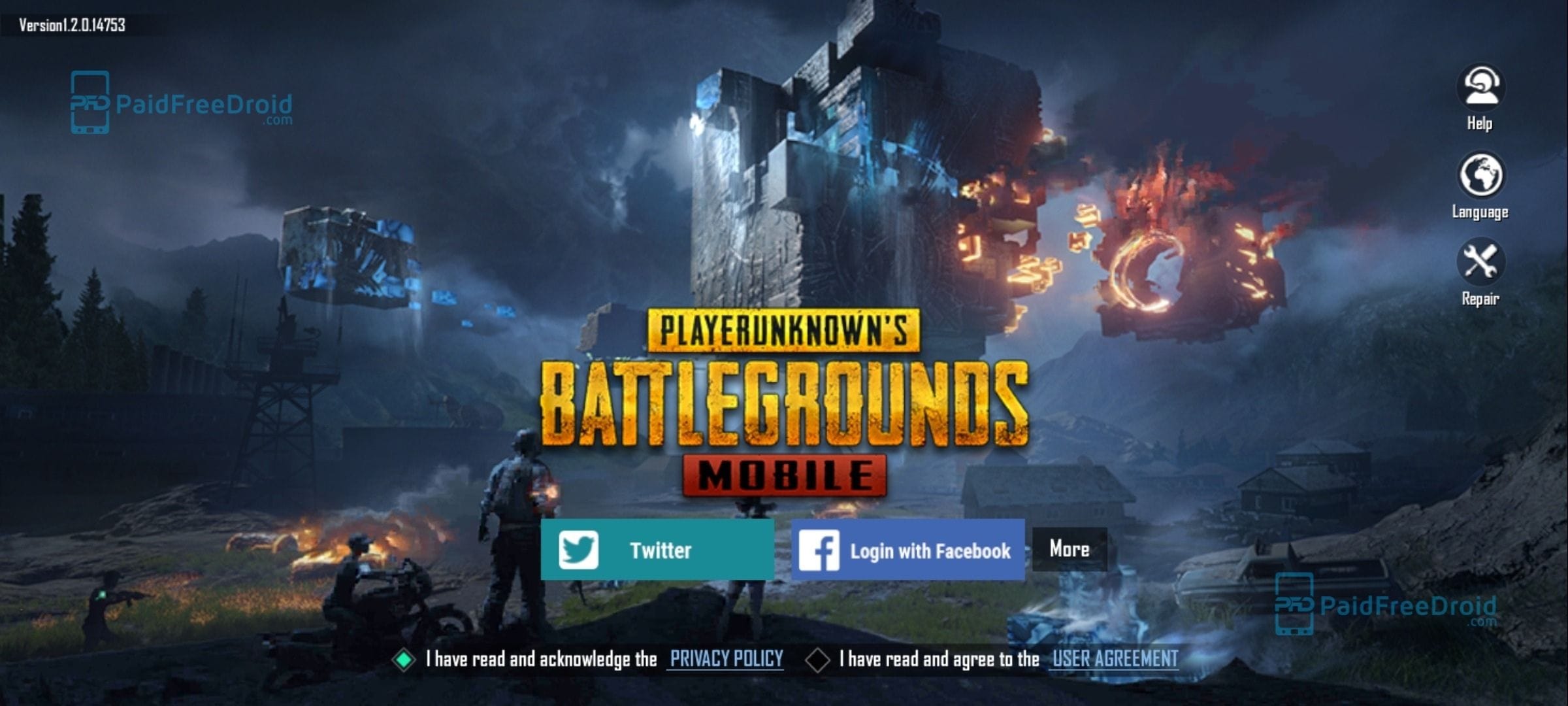
After the resource pack is downloaded, it will ask to accept the privacy policy and you can log in using Facebook, Twitter or as a guest.
After logging in wait for the game to compile resources and open lobby. - Enjoy The Game
Done, this was indeed a simple process. Enjoy the Chicken Dinner and do share it with your friends.
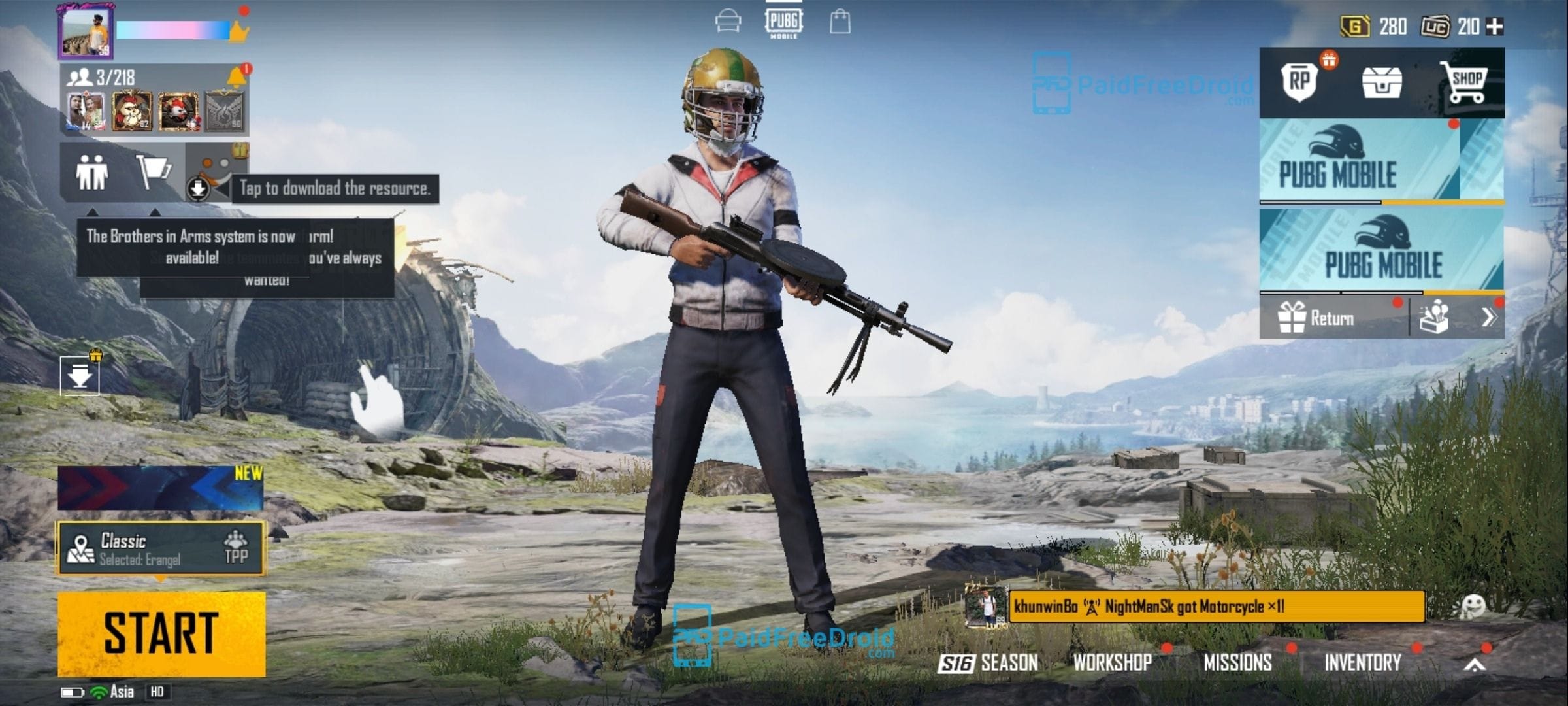
PUBG Mobile 1.2.0 Update
A global release for their latest patch v1.2 has been released by PUBG Mobile. Lots of new changes are being made to the game in this version as well as a new season will begin soon.
Players can gain access to two new in-game modes in the new PUBG Mobile update. These modes will be limited in time but will last nearly two months. PUBG Mobile Season 17 will also start as the new update starts. This season’s theme is ‘Runic Power’ and many elements have been incorporated into the game concerning this mystic title.
What’s New in version 1.2
PUBG MOBILE RUNIC POWER Gameplay!
Brand New Gameplay
Dominate the battlefield with Flame, Arctic, and Wind runes!
a) Flame: Summon a fire wheel and use burning Ammo.
b) Arctic Rune: Raise an ice wall and slow down the enemy with freezing Ammo.
c) Wind Rune: Activate a wind shield and improve movement and reload speed.
Metro New Chapter
Honor is here! Newly-added weekly rankings, Solo Mode, and Honor system.
Increase Honor to get a voice pack, outfit, and other permanent rewards!
Stay Ahead in the Tech World
Join our community for breaking news, exclusive gadgets coverage & direct admin support.


